About ArcherySuccess
The archery scoring app has five main features grouped under the Progress, Journal, Score, Plot and Gear tabs to help you and/or your coach keep track of arrow counts, personal best score, gear setups and general training to track your progress. For more about all the app features click HERE or for device related screenshots click here for iOS (opens in new tab) and here for Android (opens in new tab). If you have specific questions or suggestions please contact us as we would like to be part of your archery success.
Quick, easy and accurate arrow plotting
Plotting arrows using ArcherySuccess is quick, easy and accurate. For this reason, ArcherySuccess has already been used with success in the coaches' box.
The ability for the coach to quickly plot arrows while the archer competes in a ranking round or during a match play event, allows the coach, to get a visual understanding of the arrow group, group size and an indication of the correctness of sight settings from end to end, or for a distance.
The arrow plot of an event is also an extremely useful tool for post event analysis by the coach and the archer. For example, the arrow plot indicator will show the accuracy of sight settings for a 3-arrow match play event and their effective group size, which can then be used to assist the archer and coach to tune their preparation and training for future events.
Goal setting and tracking
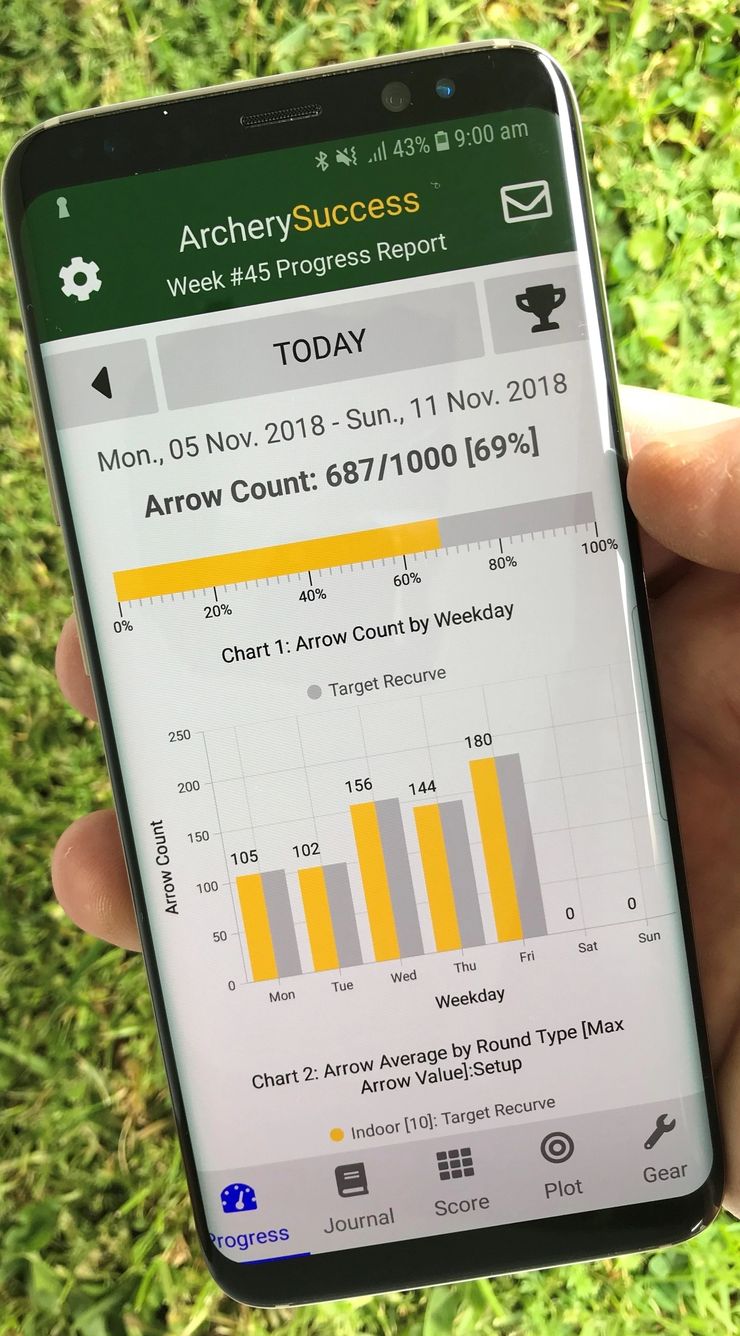
- ArcherySuccess makes it easy to track arrow volumes.
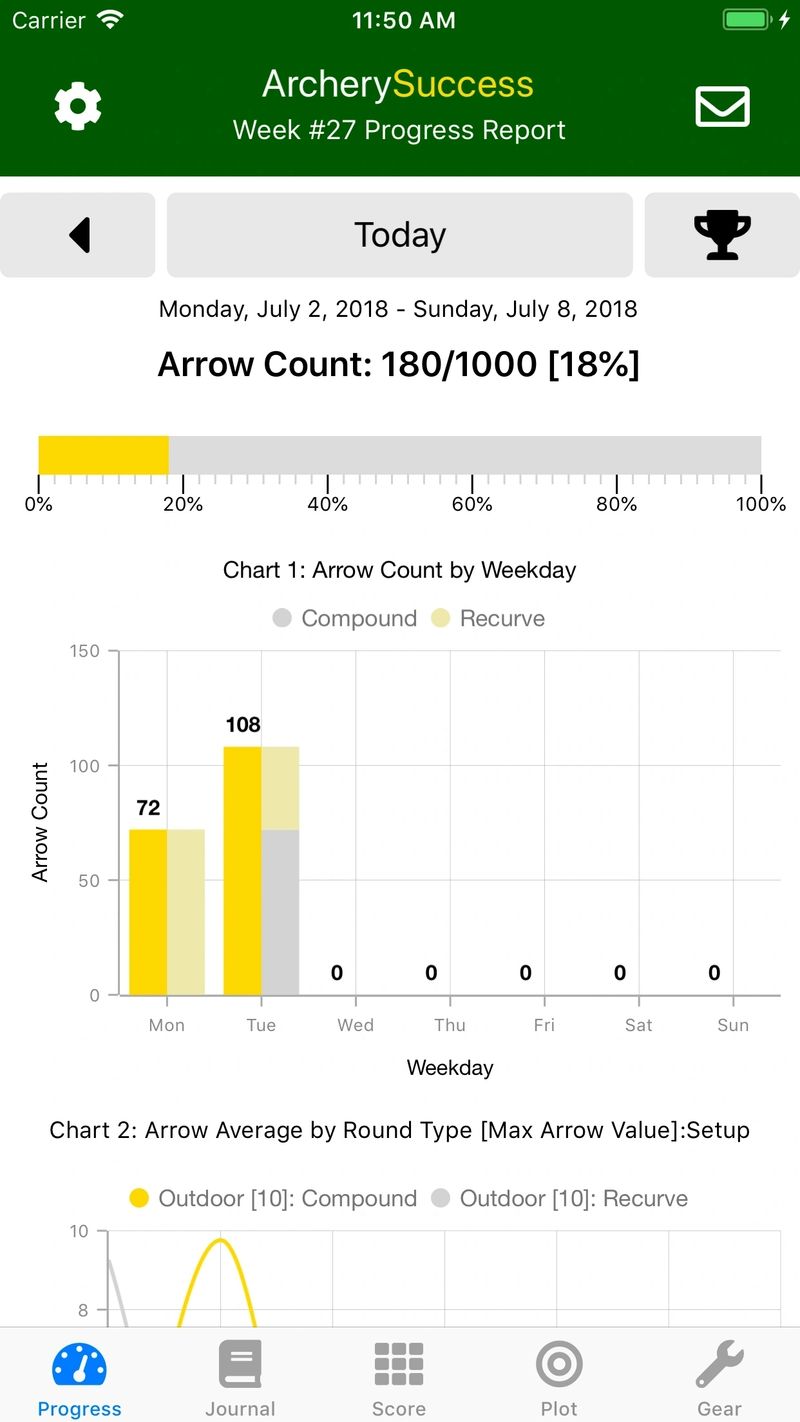
- Archers can set a weekly arrow count target and then track their progress against the target.
- The total arrow count will increase as arrow count notes are added or rounds are scored.
- Deleting rounds or arrow count notes will decrease the total arrow count.
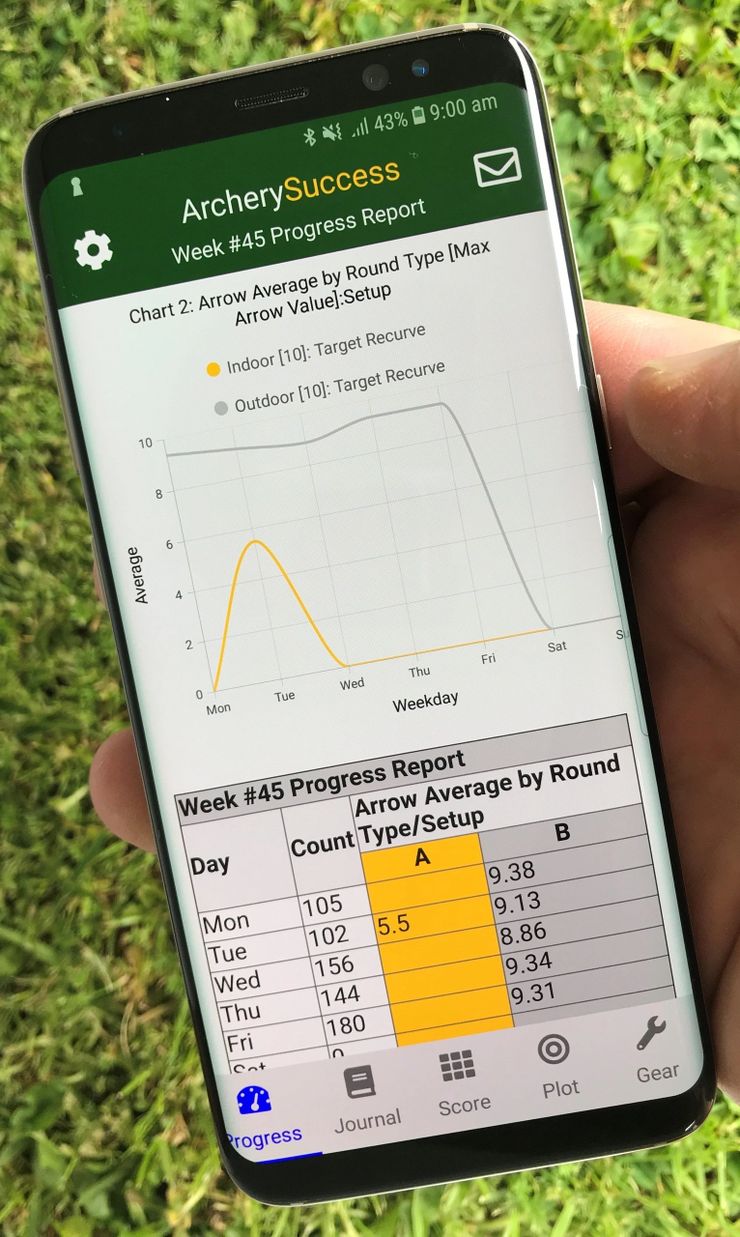
- An easily interpreted graph displays the arrow count volume trend and a percentage calculation displays arrow count volume progress vs the set goal.
Easy Progress Reporting
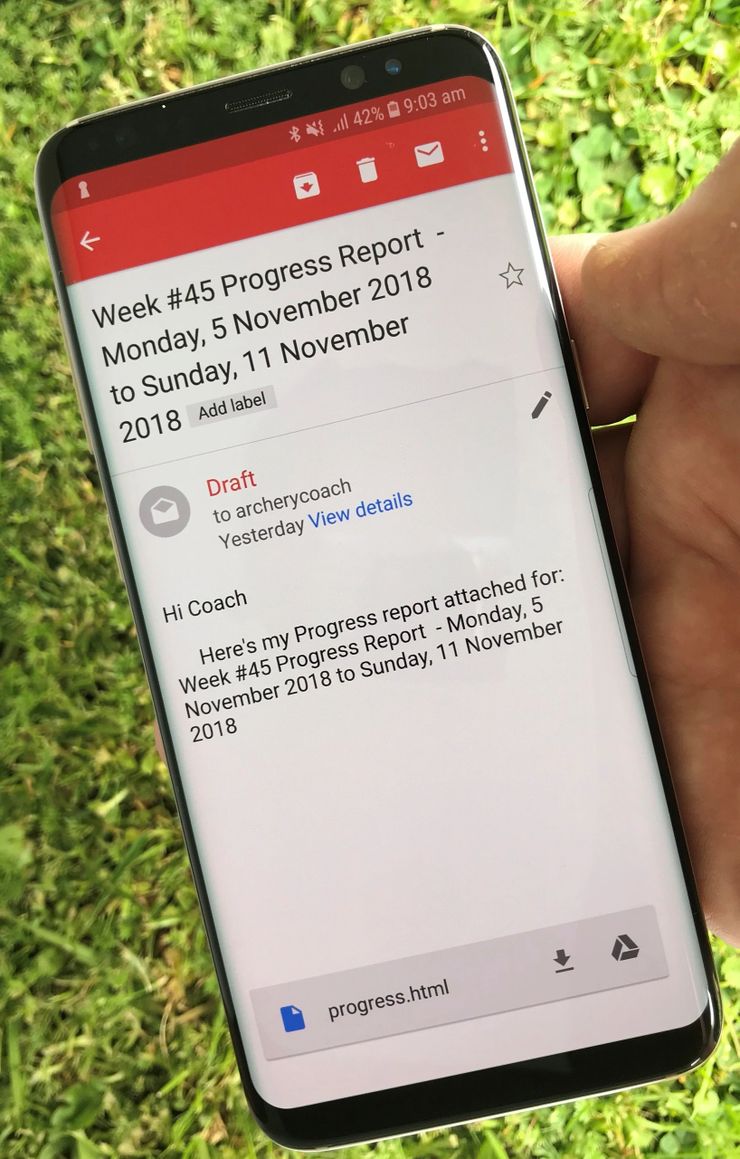
- With a single tap an archer can create an email of their progress to send to their coach.
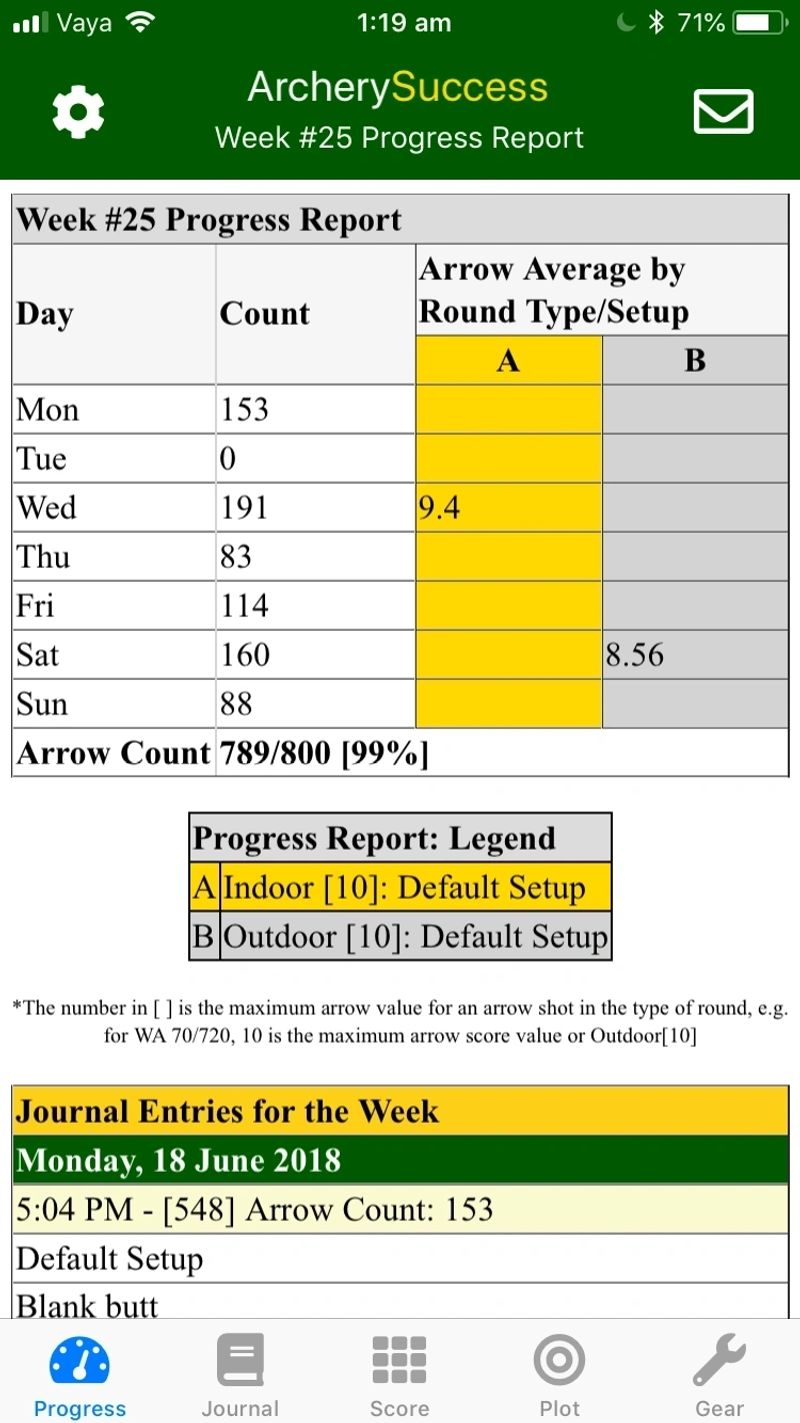
- The coach will receive reports in the same readable format from archers using ArcherySuccess.
- The html based information in the reports can easily be copied for further analysis.
Time saving
- Archers don't need to manually compile weekly progress reports to coaches.
- Archers simply capture training information on the go and can instantly view progress report updates.
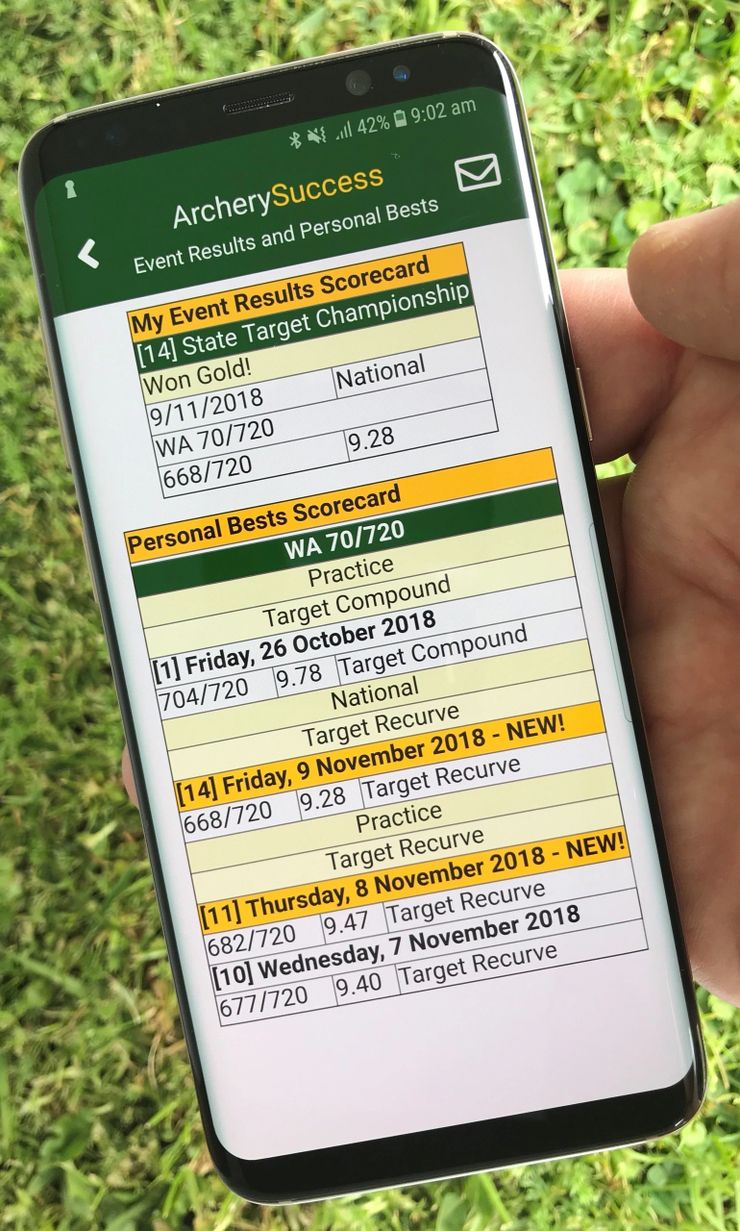
Personal Best Scorecard
Click on the cup icon (top right of screenshot showing the Arrow Count graph above) to see your Personal Best Scorecard.
Send a progress report e-mail
Click the mail icon at the top right of the screenshot above (on phone) or to the left (on desktop) showing the Personal Best Scorecard to generate an e-mail of your training activities for the week.
How to set the e-mail address for progress report
Click on settings icon (one looking like a gear) at the top left of the screen. Enter the archer name and an default e-mail address for the progress report. Towards the bottom of this page is a button to download an example of the progress report.
When you click the mail icon (as described above) to send the e-mail you can add more recipients or change the default e-mail address before you send the report.
Click the button below to see an example of an emailed progress report sent from an archer to their archery coach.
This report was automatically generated from the data the archer captured during training sessions and the email was sent in html format.
- Sample Progress Report 2.08 (pdf) Download
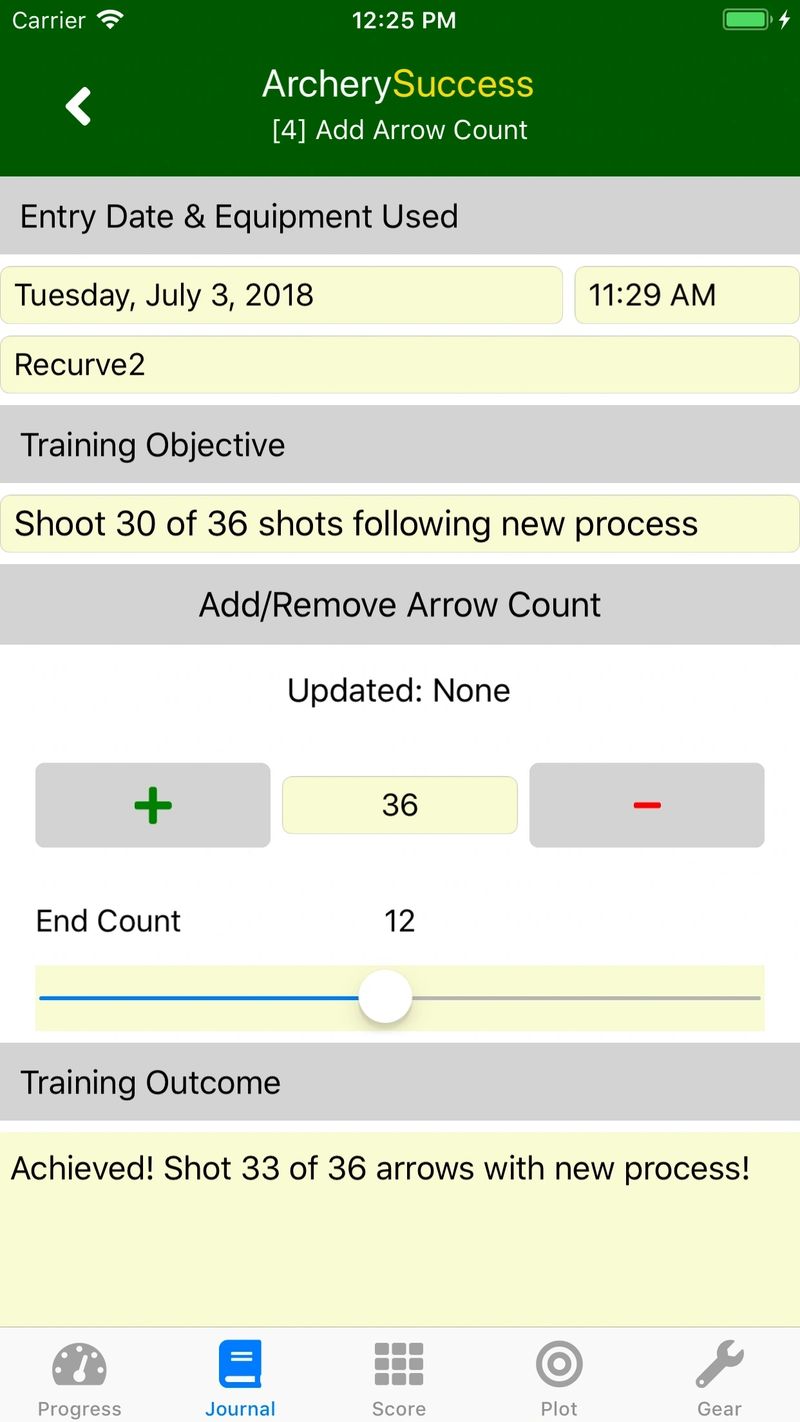
Round notes
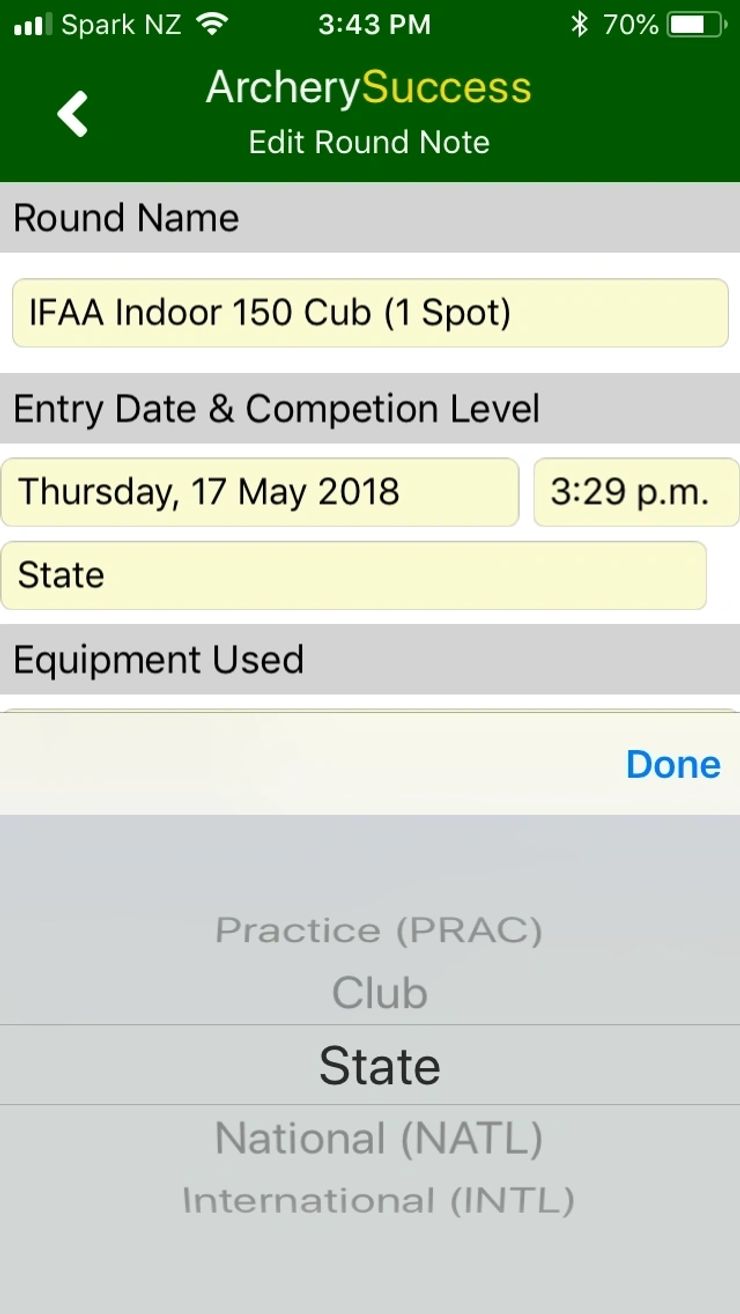
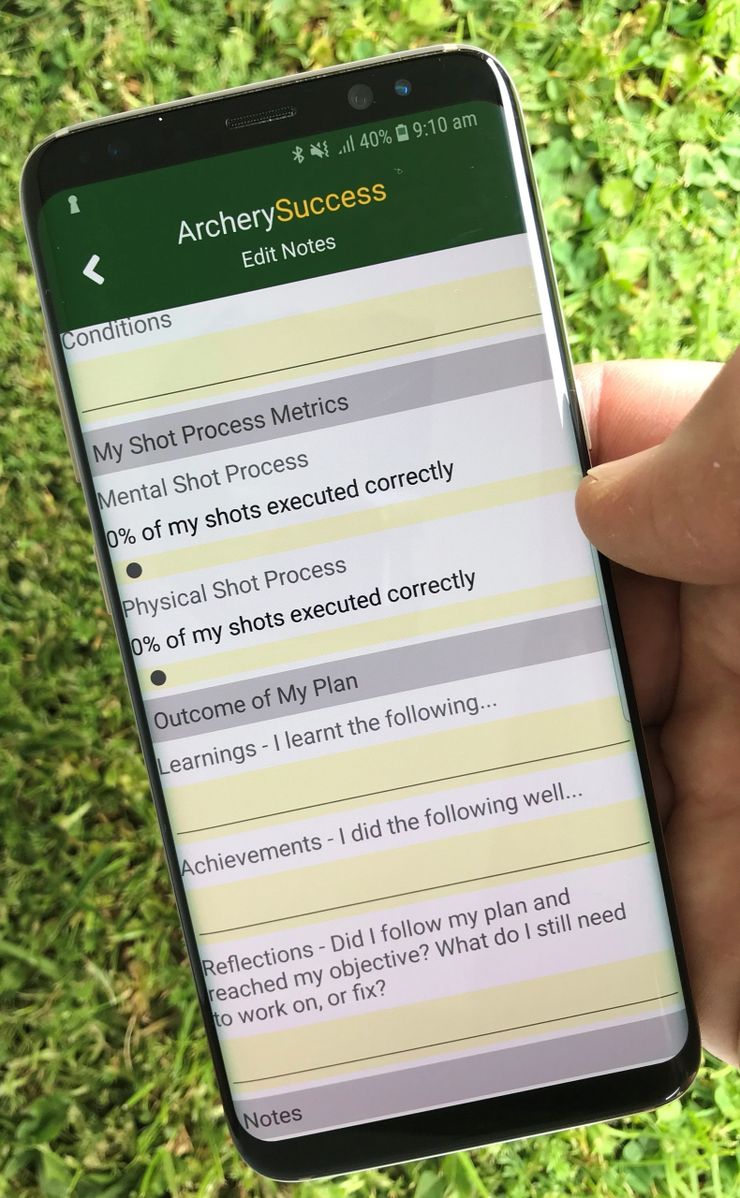
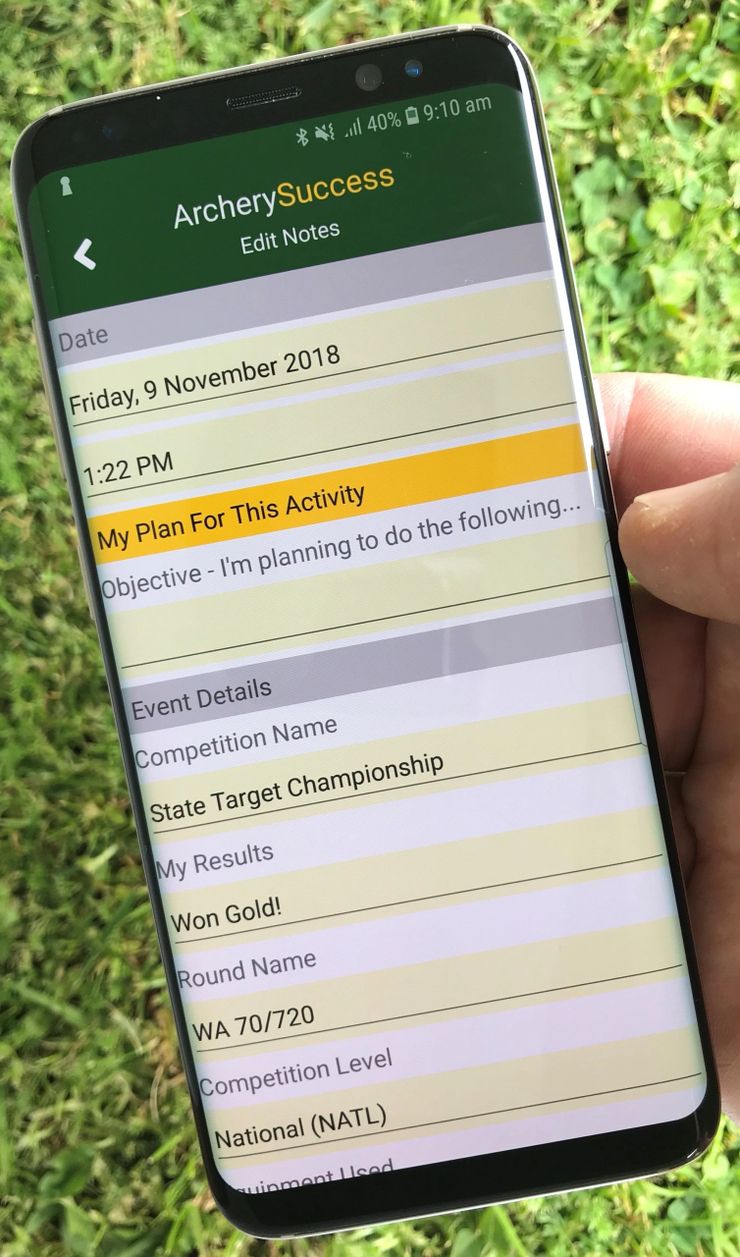
You can add notes to any round while scoring or plotting a round. The info you can record are round name, entry date and competition level, the gear you used (select one of your gear setups) and a training objective and outcome. All the notes you add will be included in the weekly progress report you can email to your coach.
Score tab
- Open app at Score tab.
- Tap on note icon bottom right of the screen.
- Enter note details
Plot Tab
- Open app at Plot tab
- Click on note icon 3rd from the bottom on the left of the plotting screen.
- Enter note details
View Round Notes
- Tap Journal tab
- Swipe left on the round
- Choose "More"
- Select "Notes" from popup menu.
You can also add detailed notes:
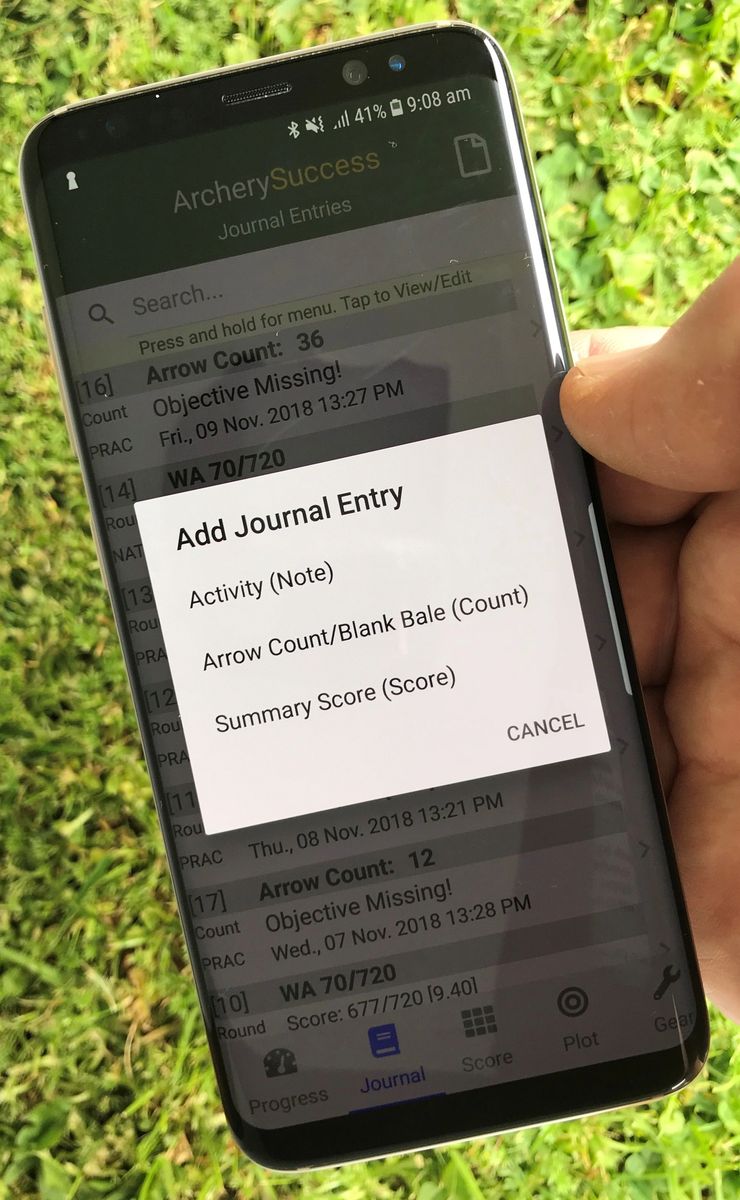
Under the Journal tab
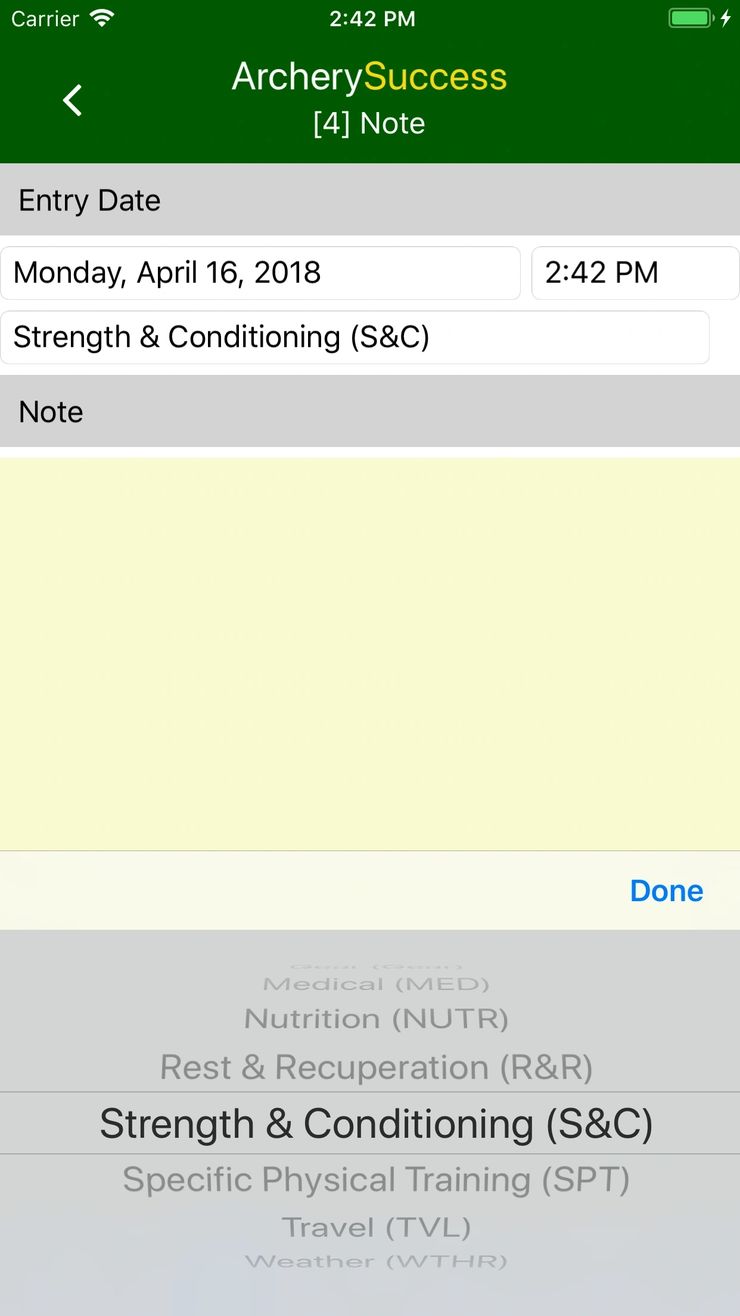
- Note with separate sub notes on gear, medical, nutrition, rest and recuperation, strength and conditioning, specific physical training, travel and weather.
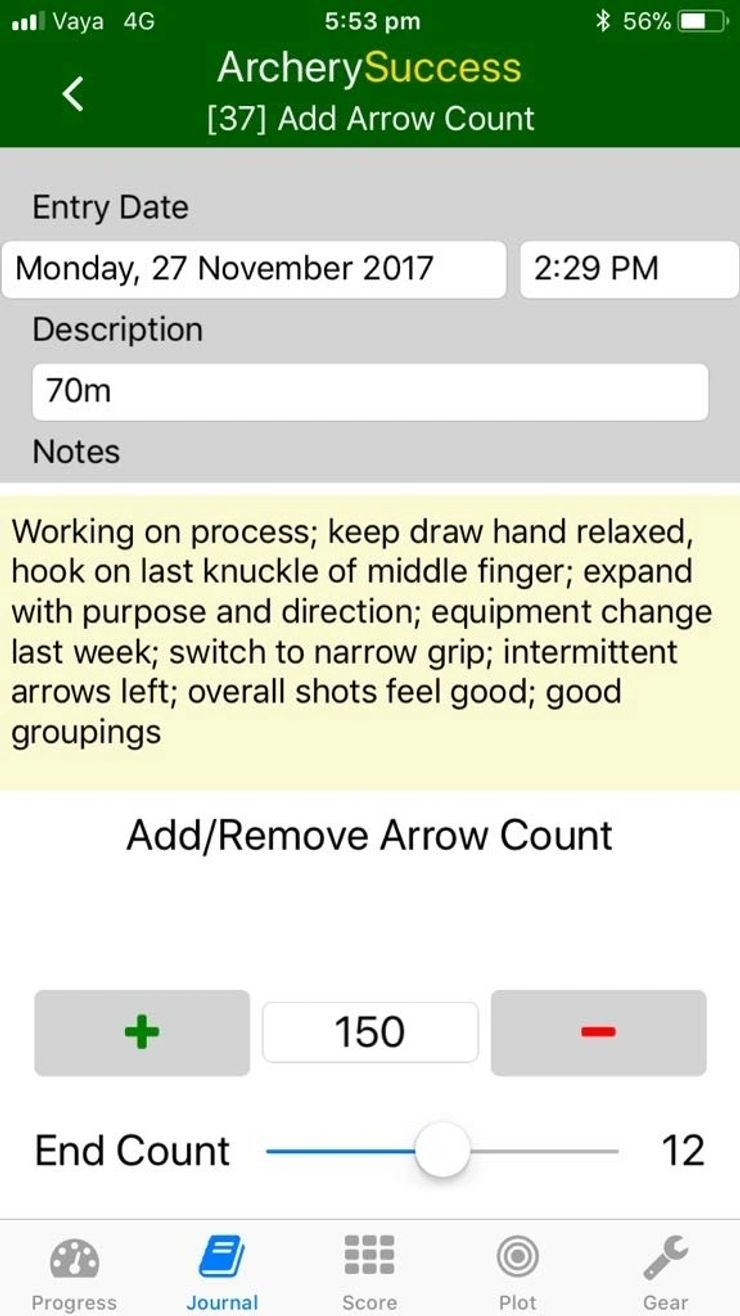
- An arrow count note.
- A summary score note.
Under the Gear tab
- A general note about a gear setup
- A note to a bow
- A note to arrows
- A note to sight settings