ArcherySuccess Progress Feature
Progress Tab
Progress Tab
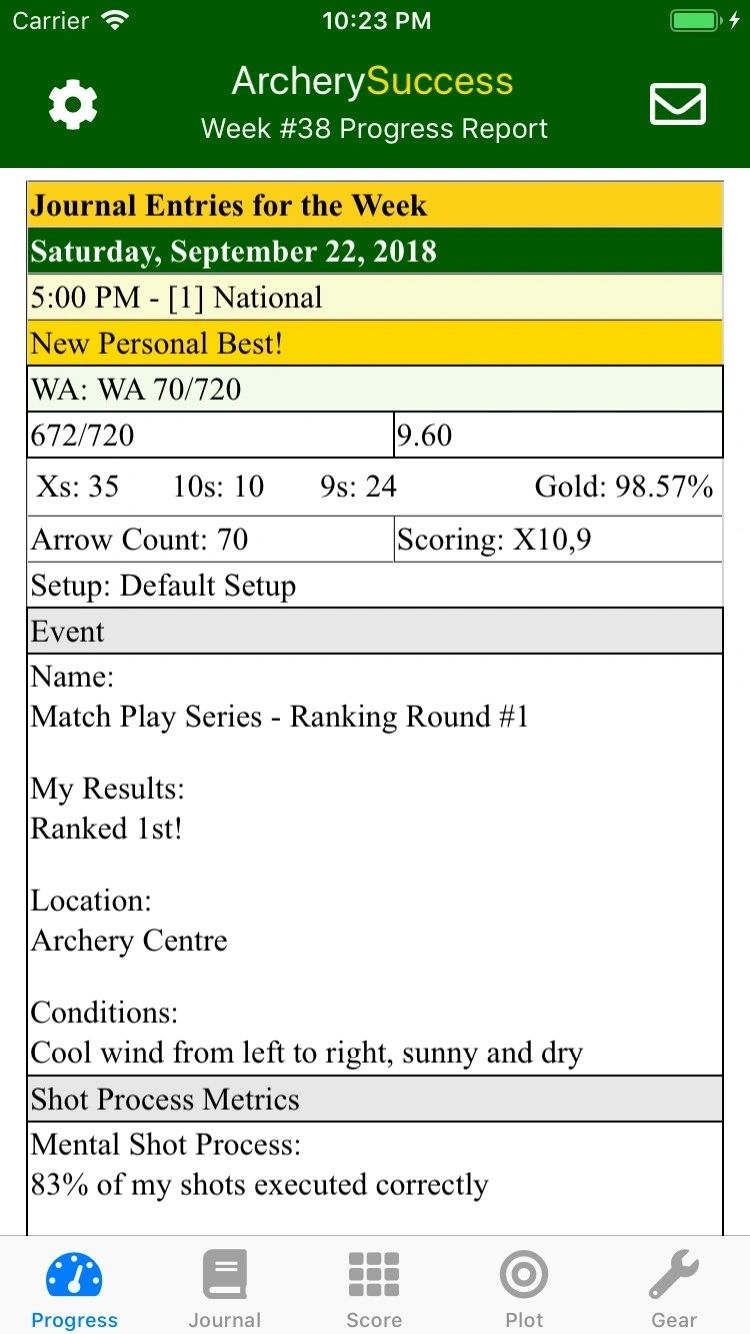
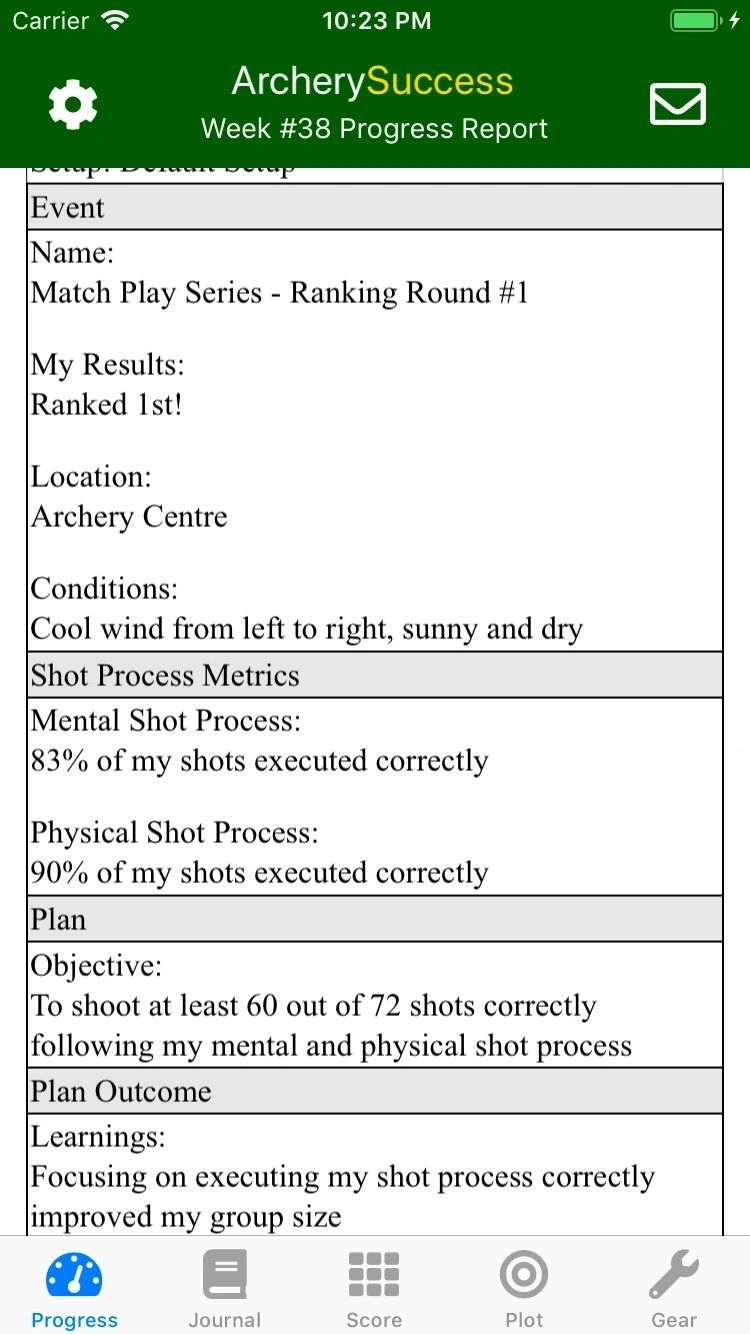
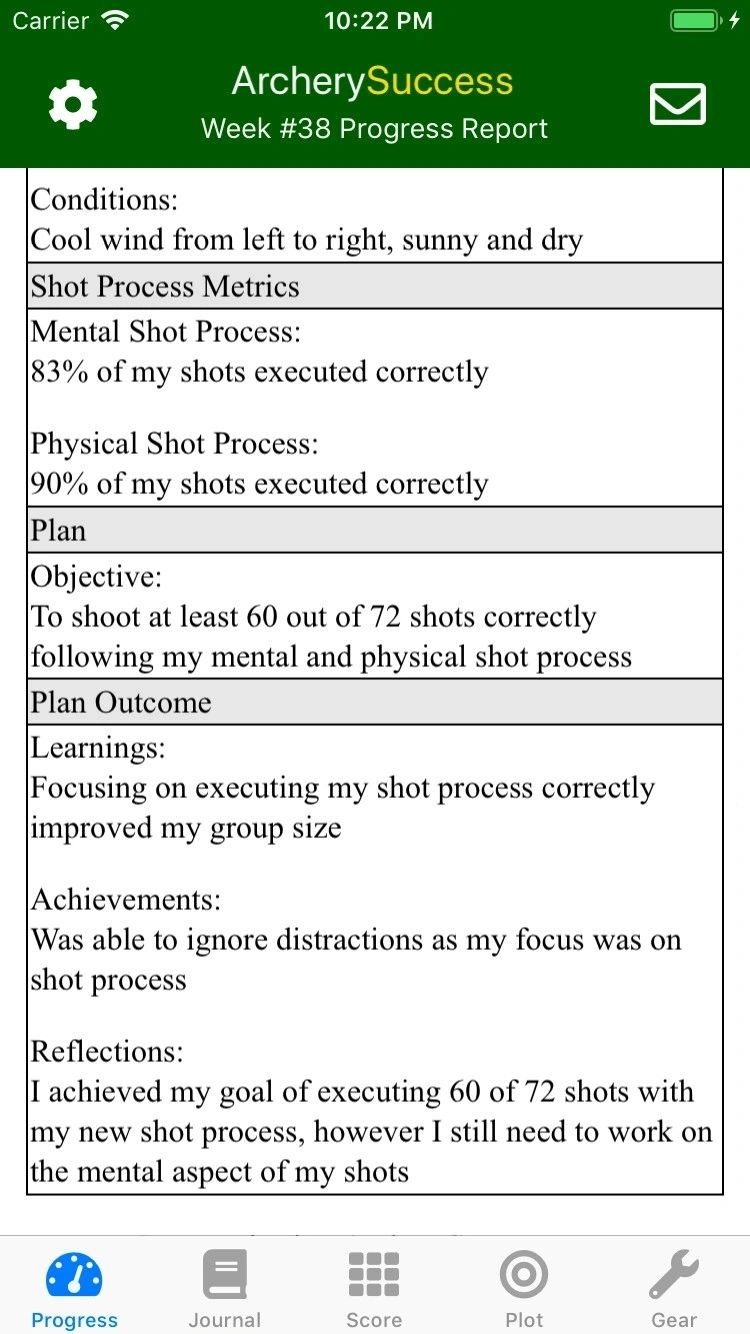
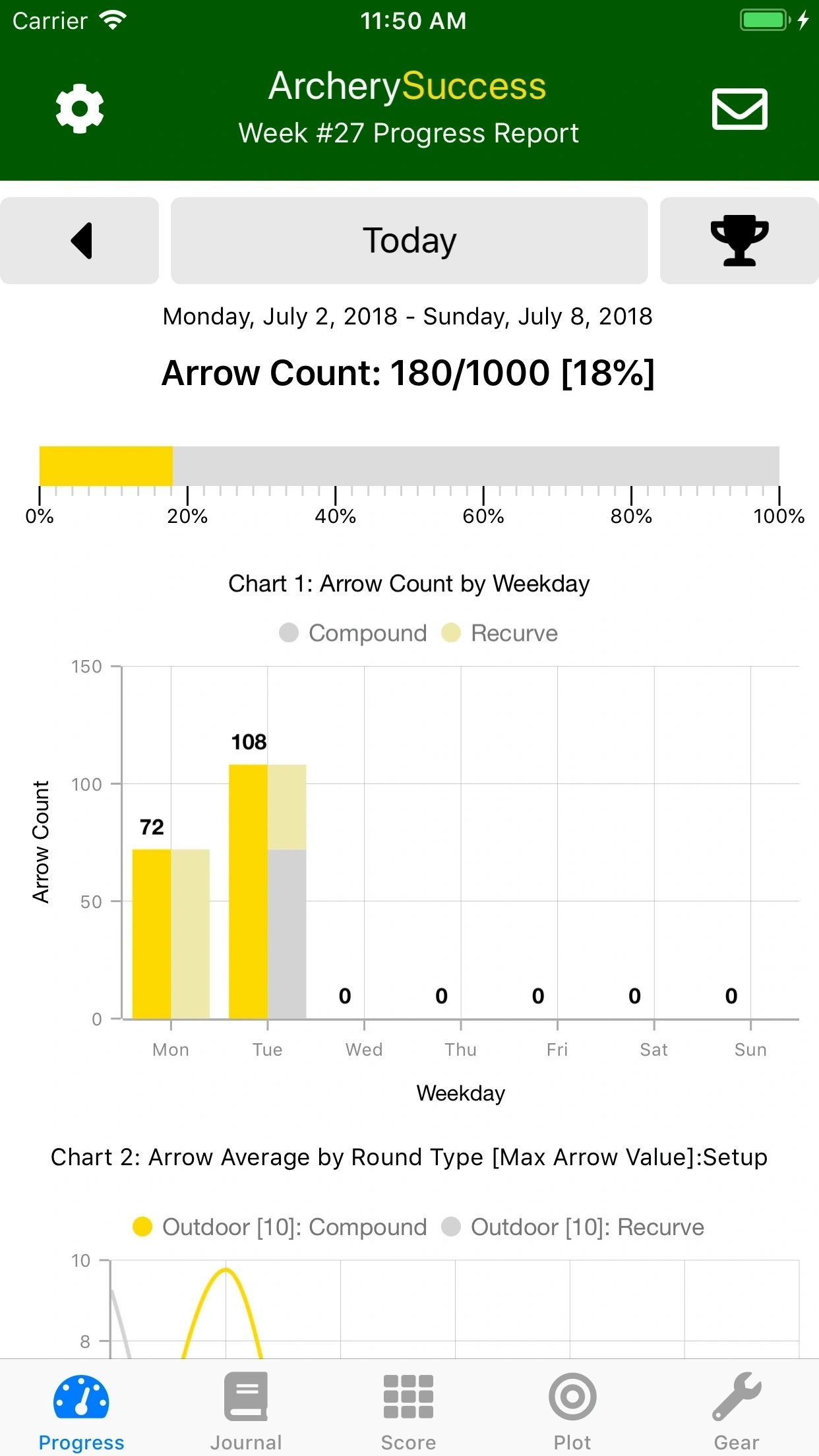
This is a weekly progress dashboard where you can see the following:
A report on arrow count vs arrow count goal.
- Rounds shot for the week with scores.
- Other journal entries, such as notes and arrows count added to the journal during the week.
Two graphs are displayed for key metrics:
- One graph shows arrow count by weekday
- Another graph shows arrow average by weekday
You can also:
- Access historical weekly reports by clicking the caret-left icon which changes the report to a previous week.
- Use the Settings button located at the top left of the progress tab to enter the archer's name and default email address which will be used to email reports.
- Select the start day of the week for the progress report
- Set the weekly arrow count goal.
- E-mail the weekly progress report, in html format, via the default email client on the phone with a button click. The button is located on the right top of the screen.
- See the About and Licensing information
- See app support website
Progress Screen