Archery Gear
Archery Gear
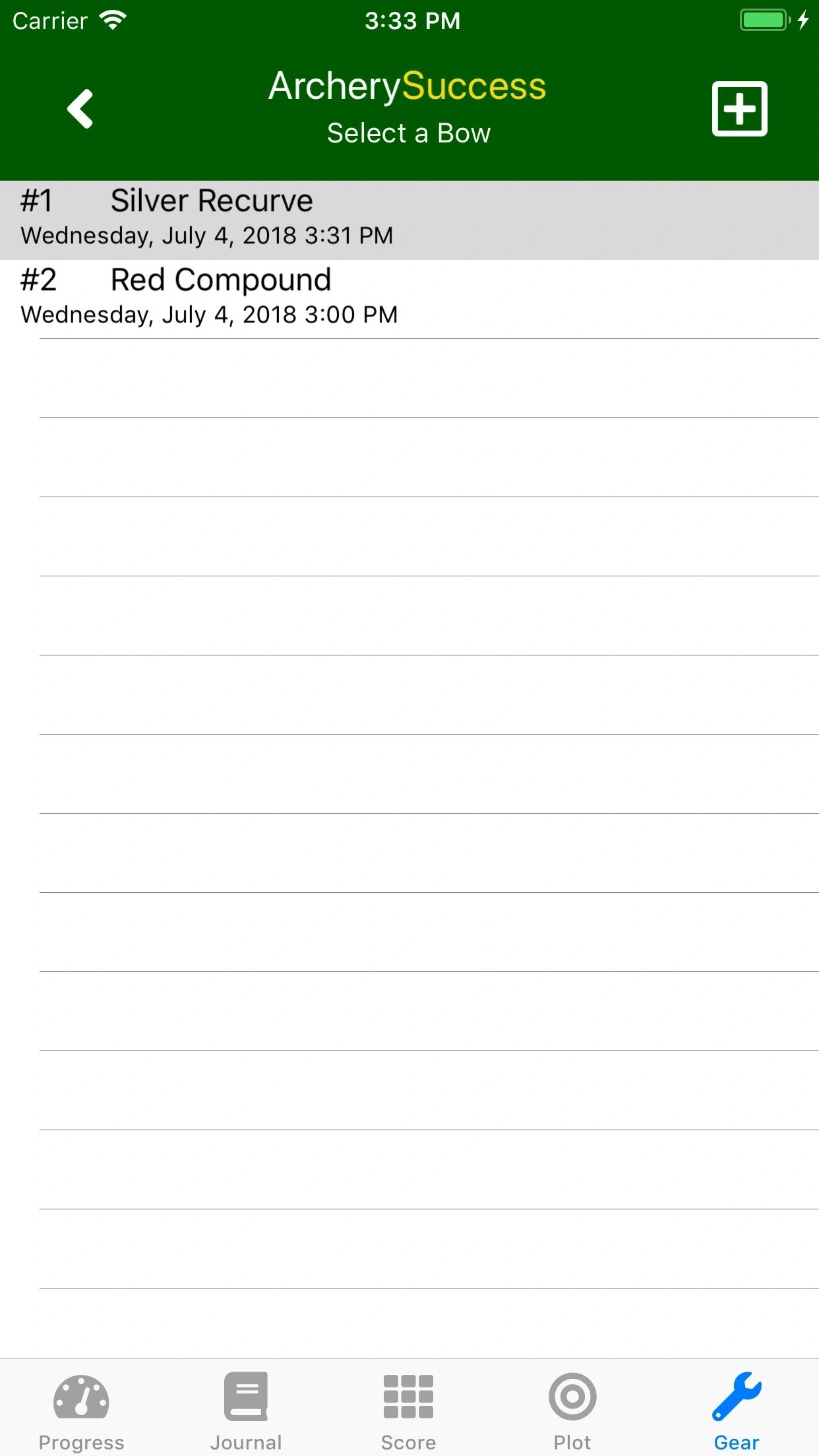
A list of setups is displayed in the gear tab. A setup is the combination of a bow, arrows and corresponding sight settings. Each setup has a unique identifier and can be given a name.
You can select a favourite setup which will be used as default for new rounds. Your favourite gear setup will always appear first on gear setup list.
The Personal Best report group best scores by bow setups, which enable tacking of best scores across different bow types (example recurve bow and compound bow). You will also be able to track your personal best scores for various setups (example indoor and outdoor setup).
Gear Tab
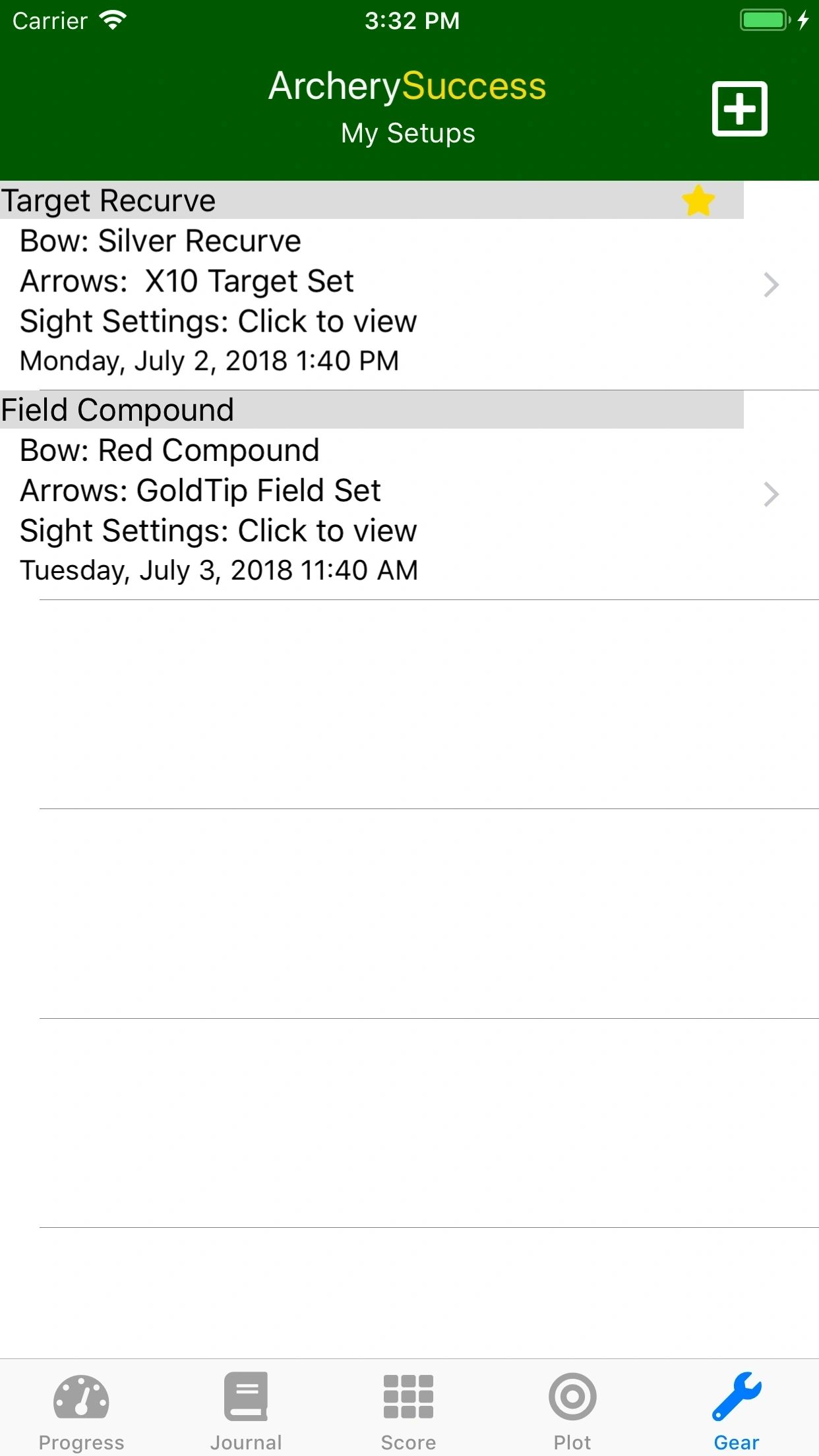
On the My Setups screen you can:
- Create a new setup
- Edit a setup
- Copy a setup
- Delete a setup - A setup can only be deleted if no rounds are referencing it. You can reassign rounds to another setup before deleting.
- Favourite a setup - Your default setup is indicated with a yellow star
Edit Setup Screen
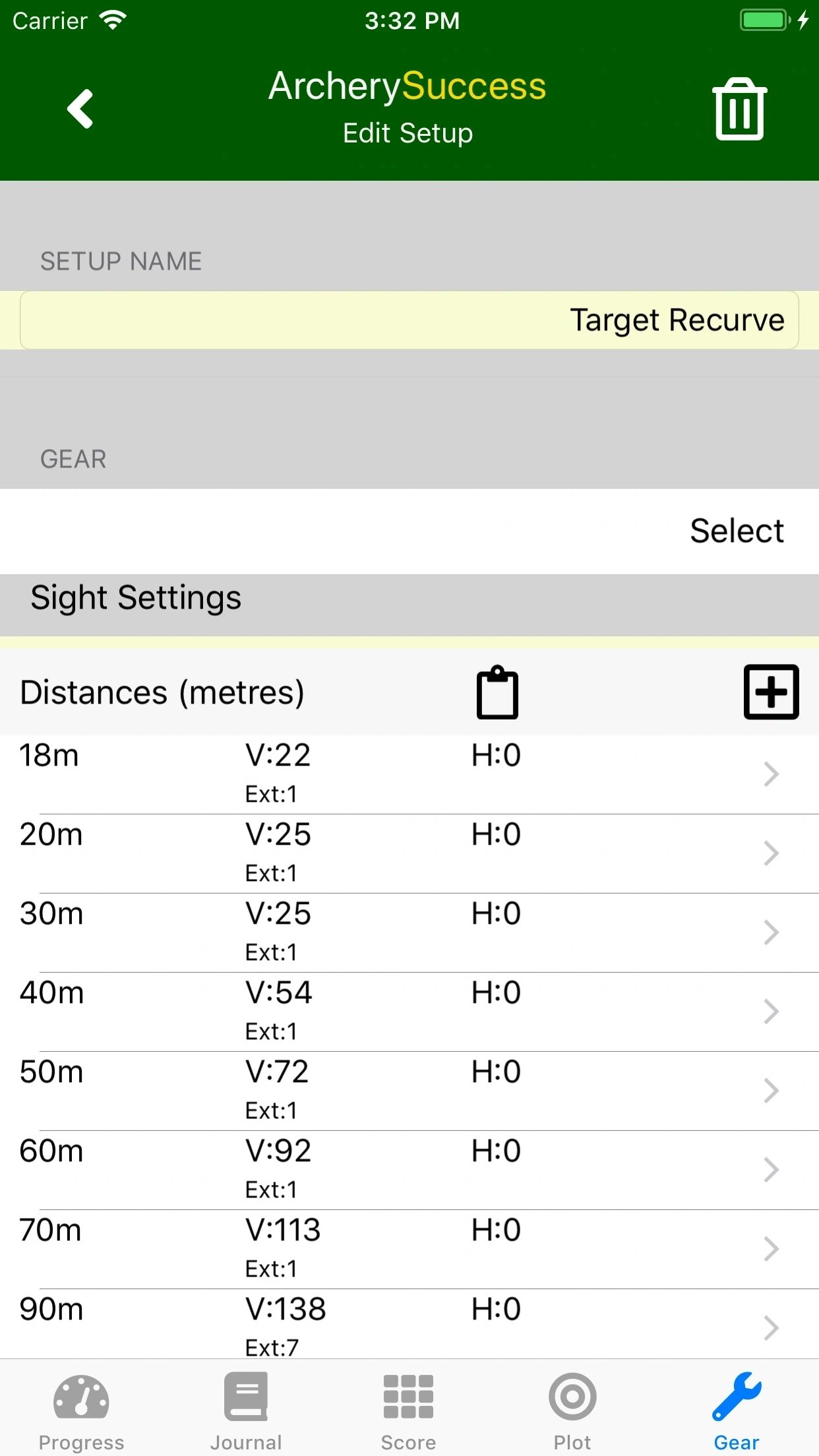
On the Edit Setup screen you can
- Enter a Setup Name
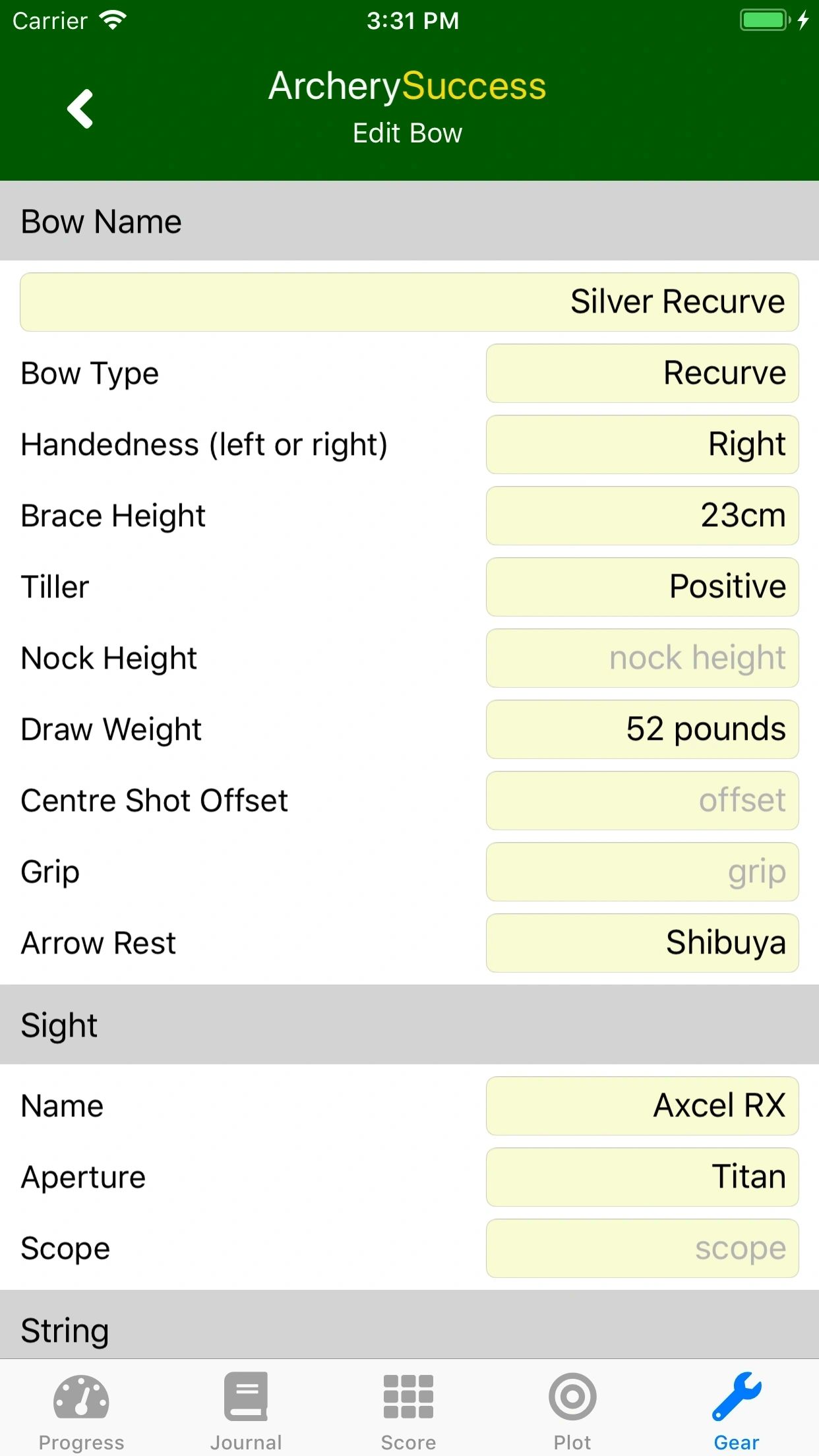
- View a Bow Summary and tap to view or edit your bow details
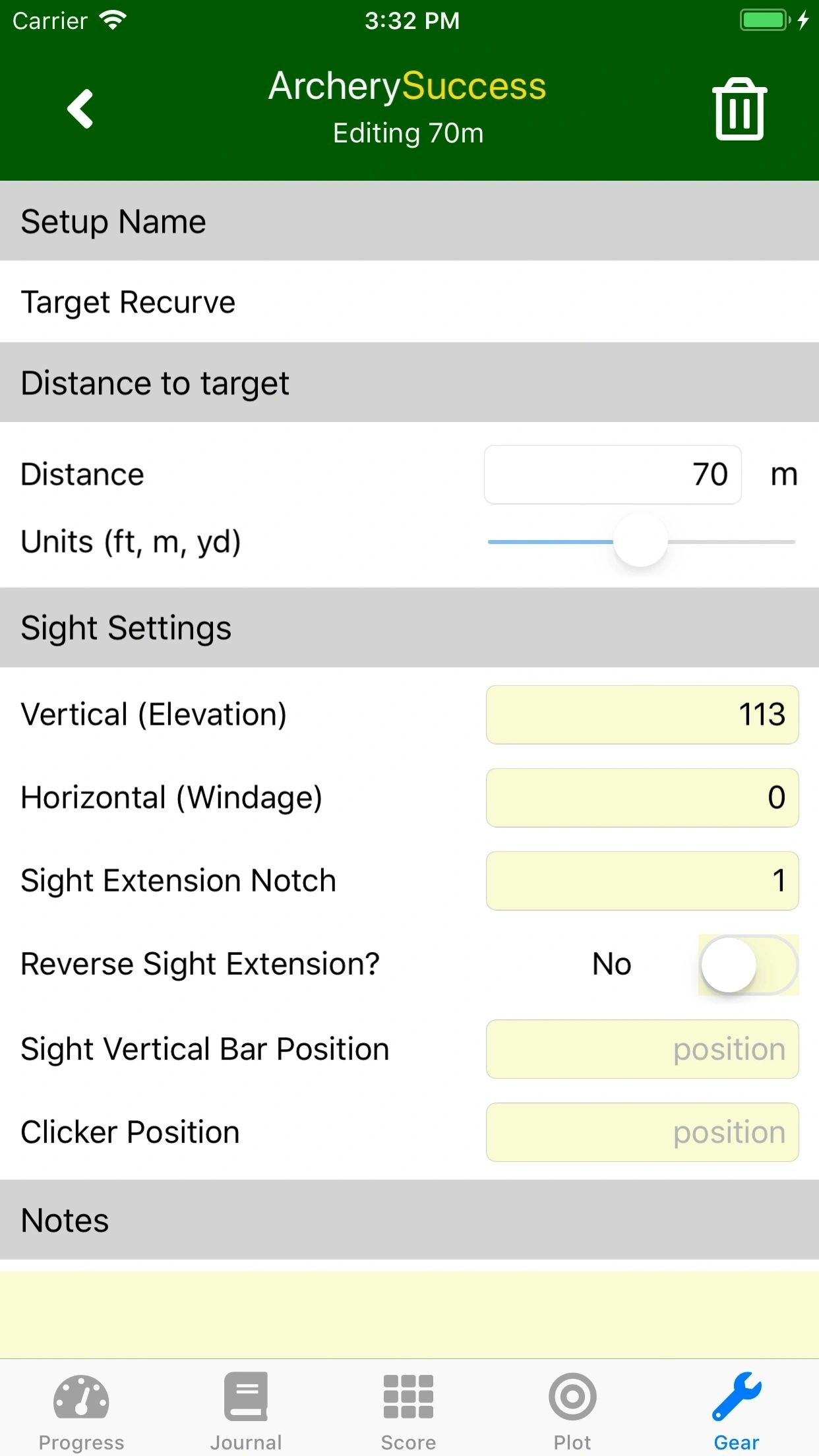
- View your Sight Settings and tap to add or edit
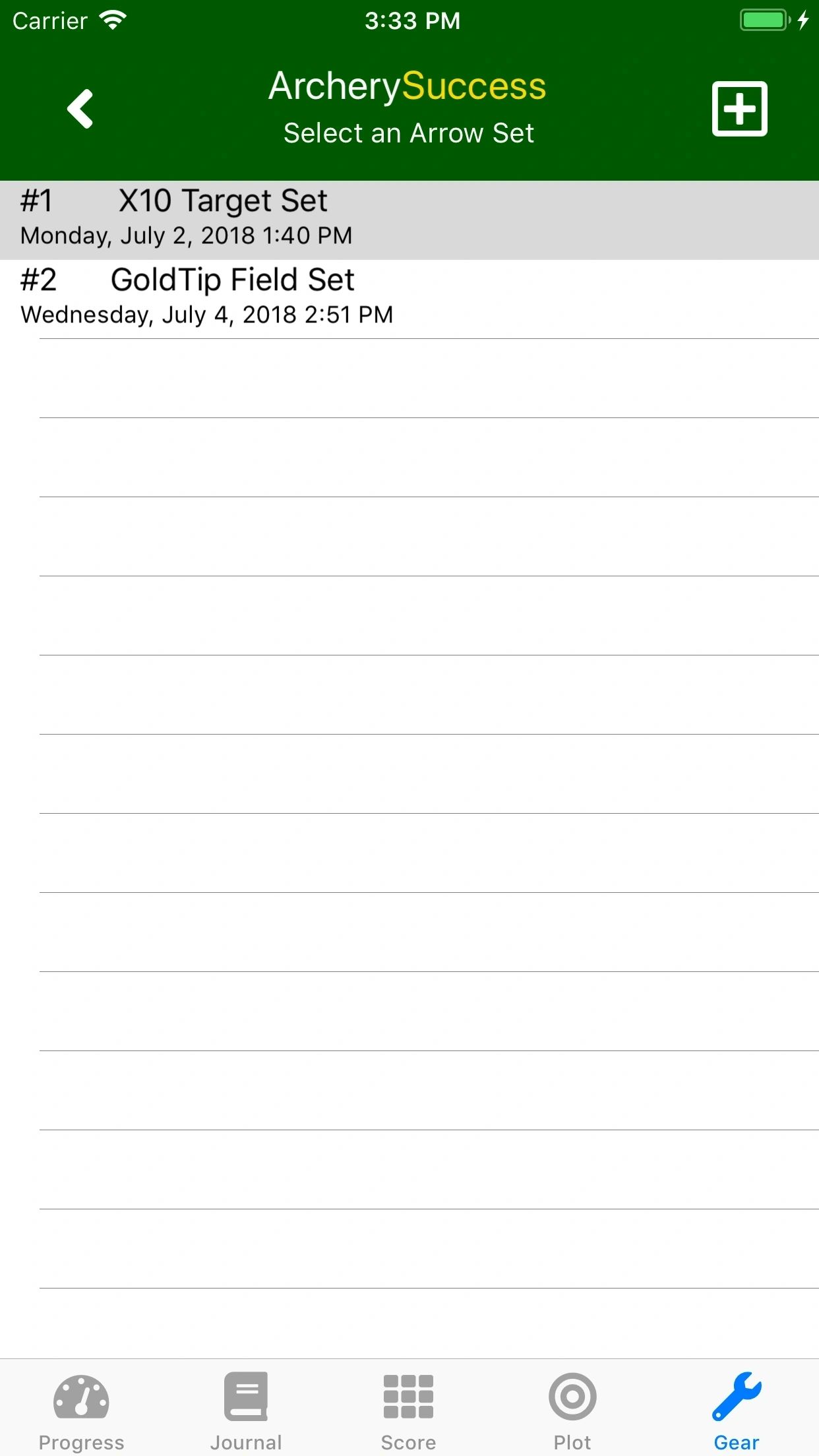
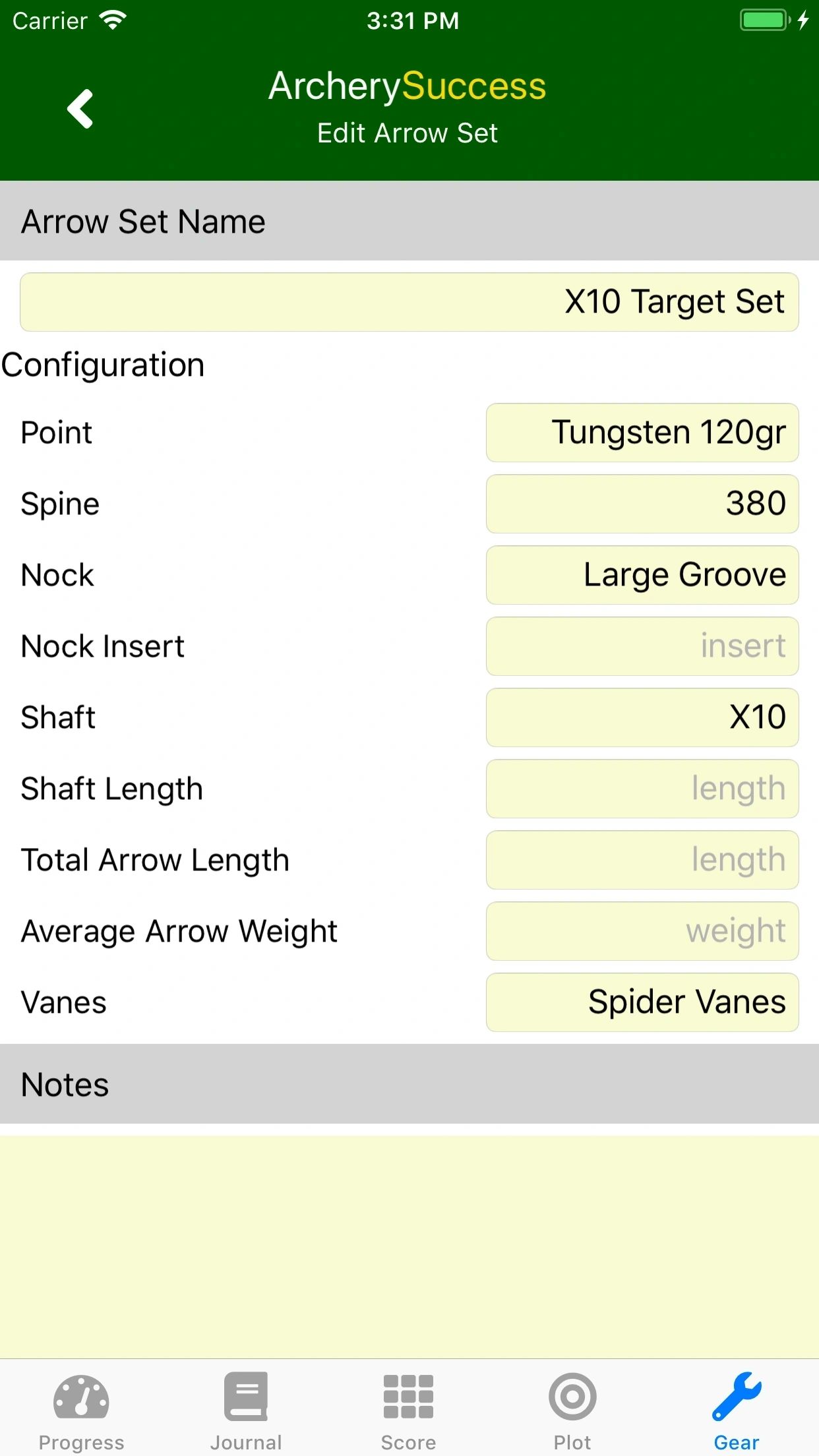
- View a Arrow Set Summary and tap to view or edit your arrow set details
Bow Settings
Sight Settings
Arrows Editing