


Archery Scoring App And Training Journal
ArcherySuccess App
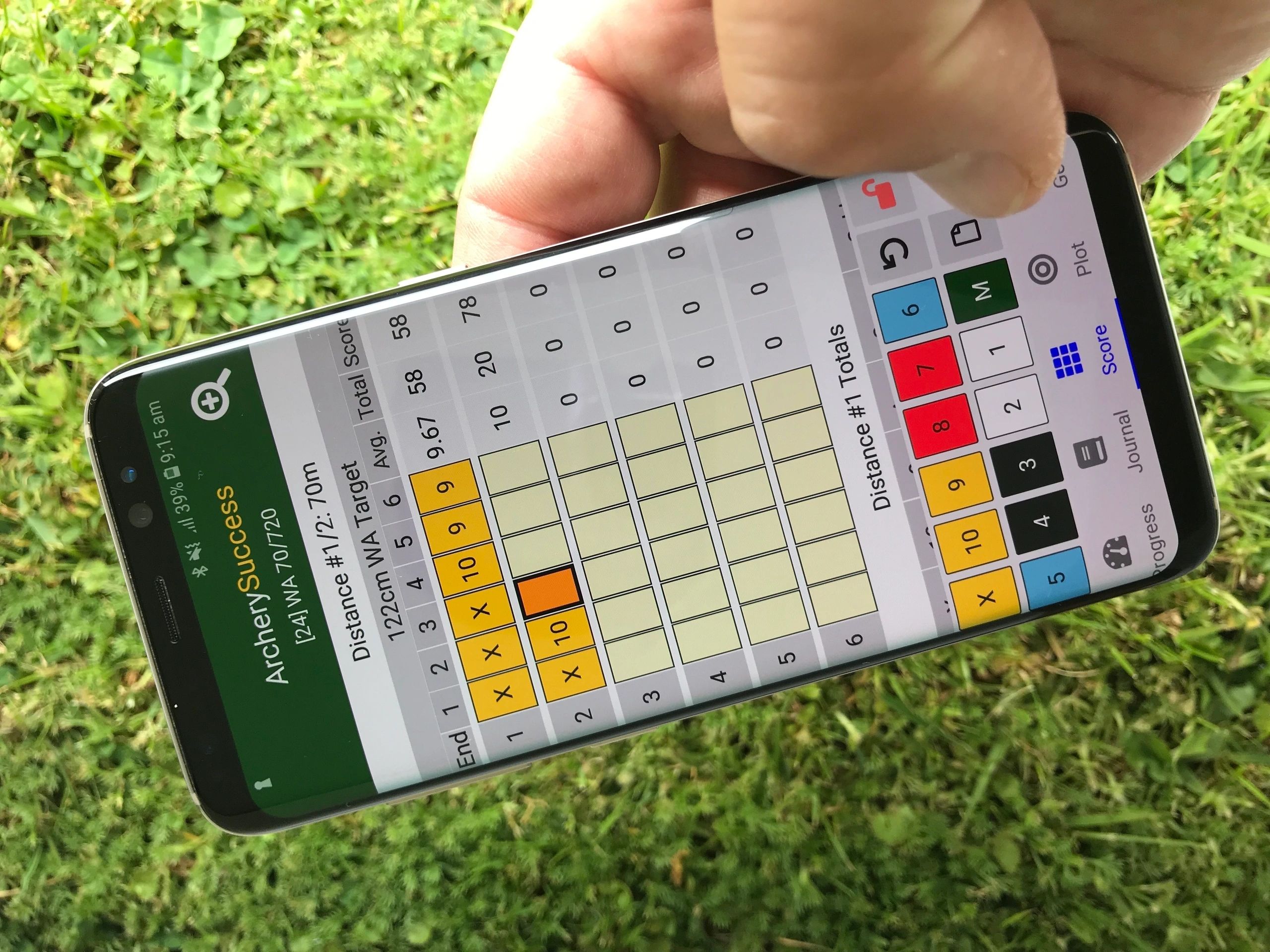
ArcherySuccess is a user-friendly archery scoring app with over 700 supported rounds. The app allows for easy entry or plotting of scores and tracking of training activities. Graphs provides a visual display of weekly progress. Tap to email a report of your weekly training activities to your coach. News about latest features in Latest News
Find out moreScore, plot and report
Track your arrow count goal, by setting an arrow count target. ArcherySuccess will keep track of the number of scored and unscored arrows shot and compare it to your goal. Progress updates are instant and available on the Progress Tab. Reports can be viewed and emailed for current and historical data.
Stuck? Check the FAQ page or email us.
Find out moreTraining Activity Notes
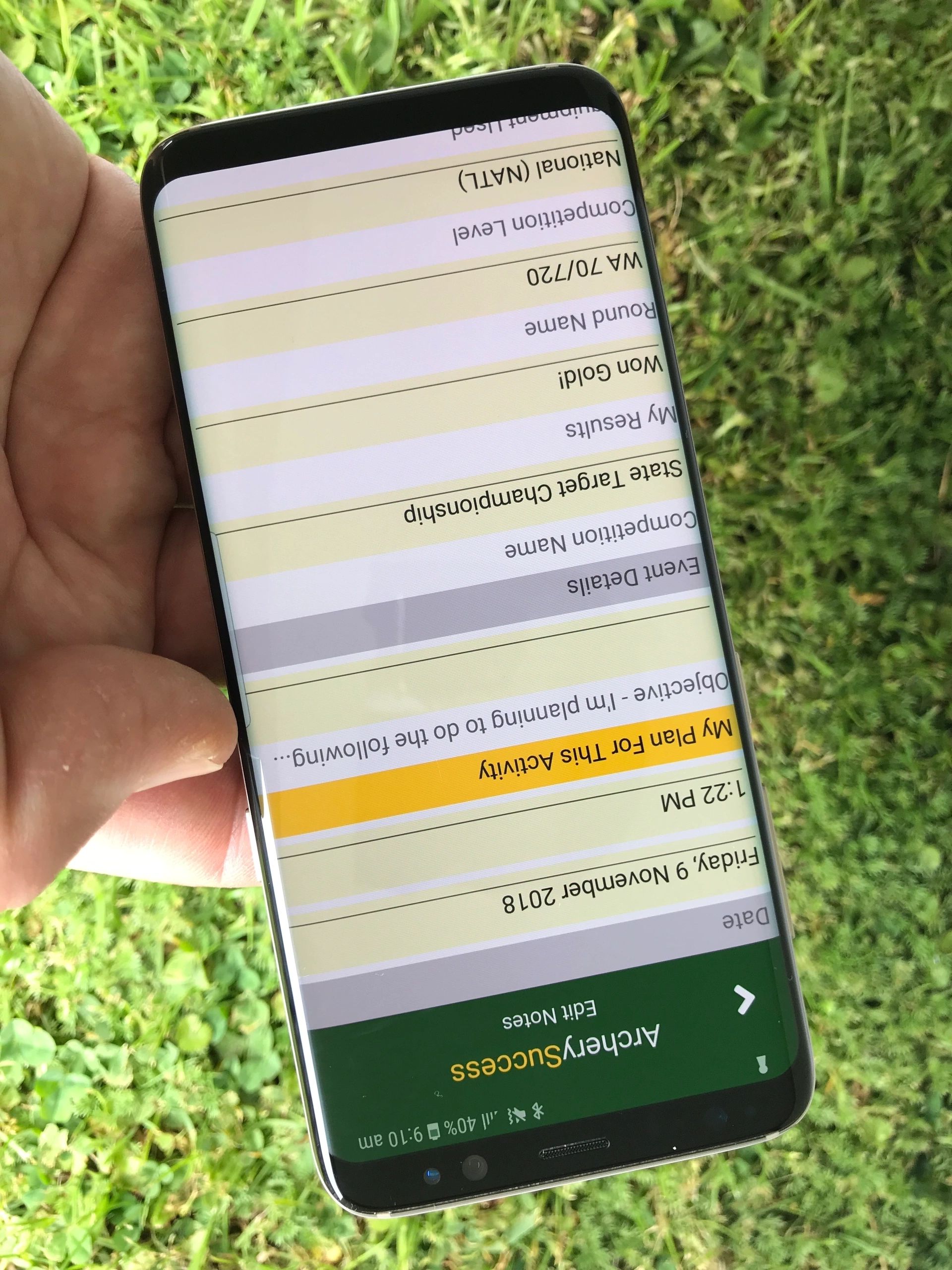
Have difficulty keeping track of notes? With ArcherySuccess you can add as many notes as you want. Add notes to rounds, journal entries, gear, arrow count and more. Journal notes can be viewed and searched using the Journal Tab. Notes appear on the Progress Report for review and reporting of archery training activities.
Find out more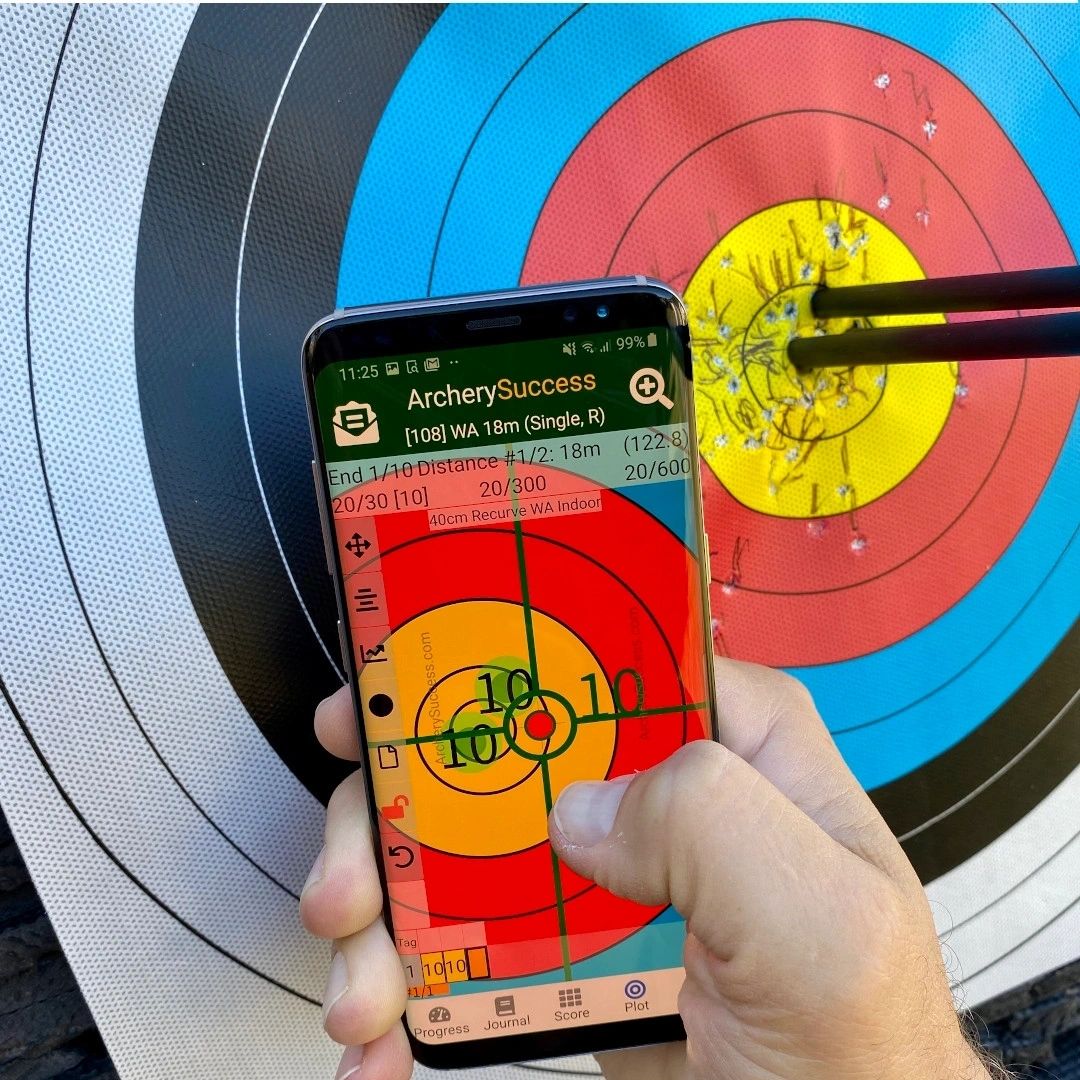
Score
Plot and Score
Training Journal Features
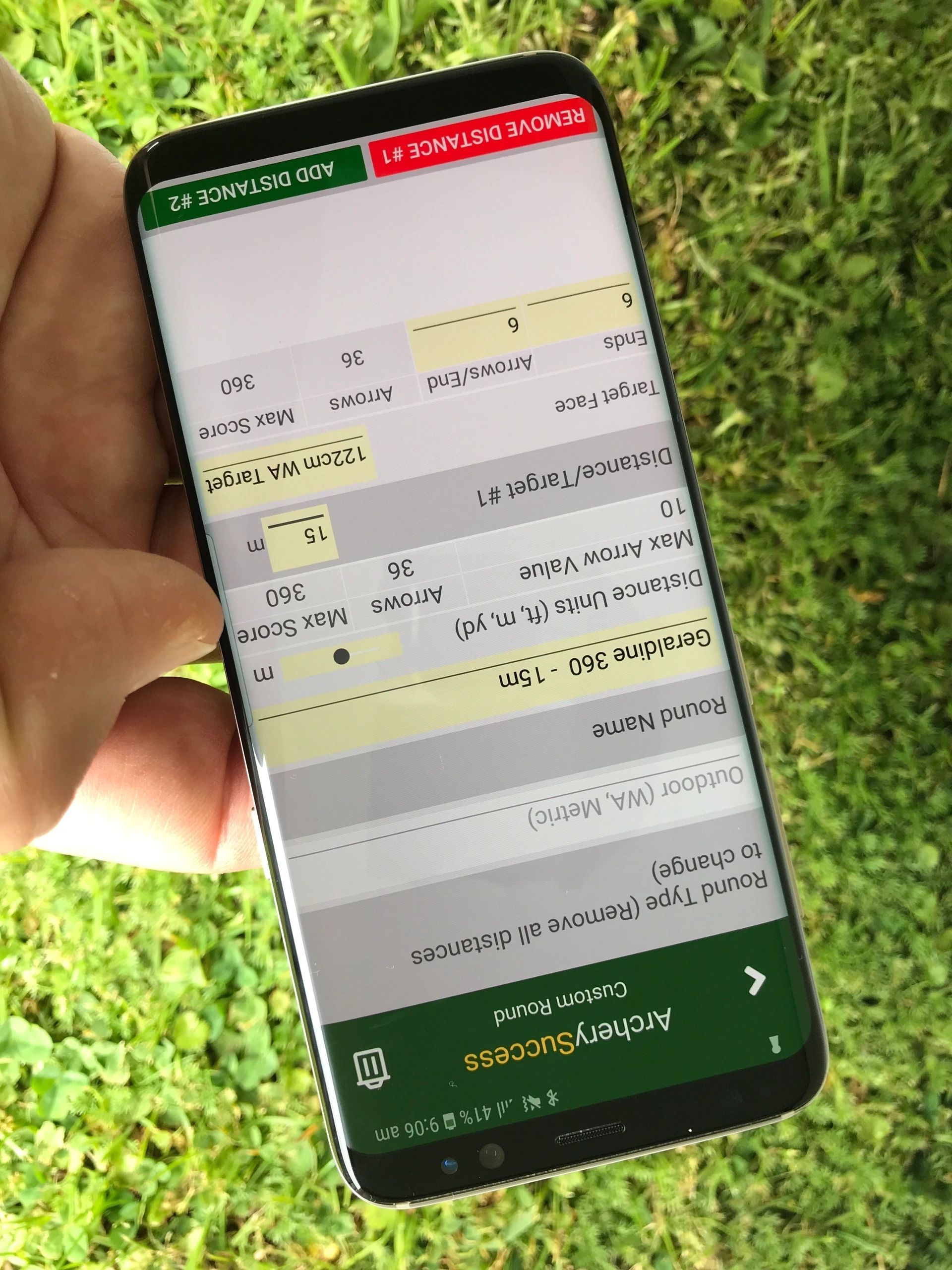
Rounds and Custom Rounds
- Choose from over 700 rounds
- See round list for supported rounds
- Send us an email if you would like us to add a round
- Create your own rounds based on existing supported in app rounds of up to 576 arrows or 28 ends
- Select a favourite round to be listed first
- Select rounds to show or hide on round list
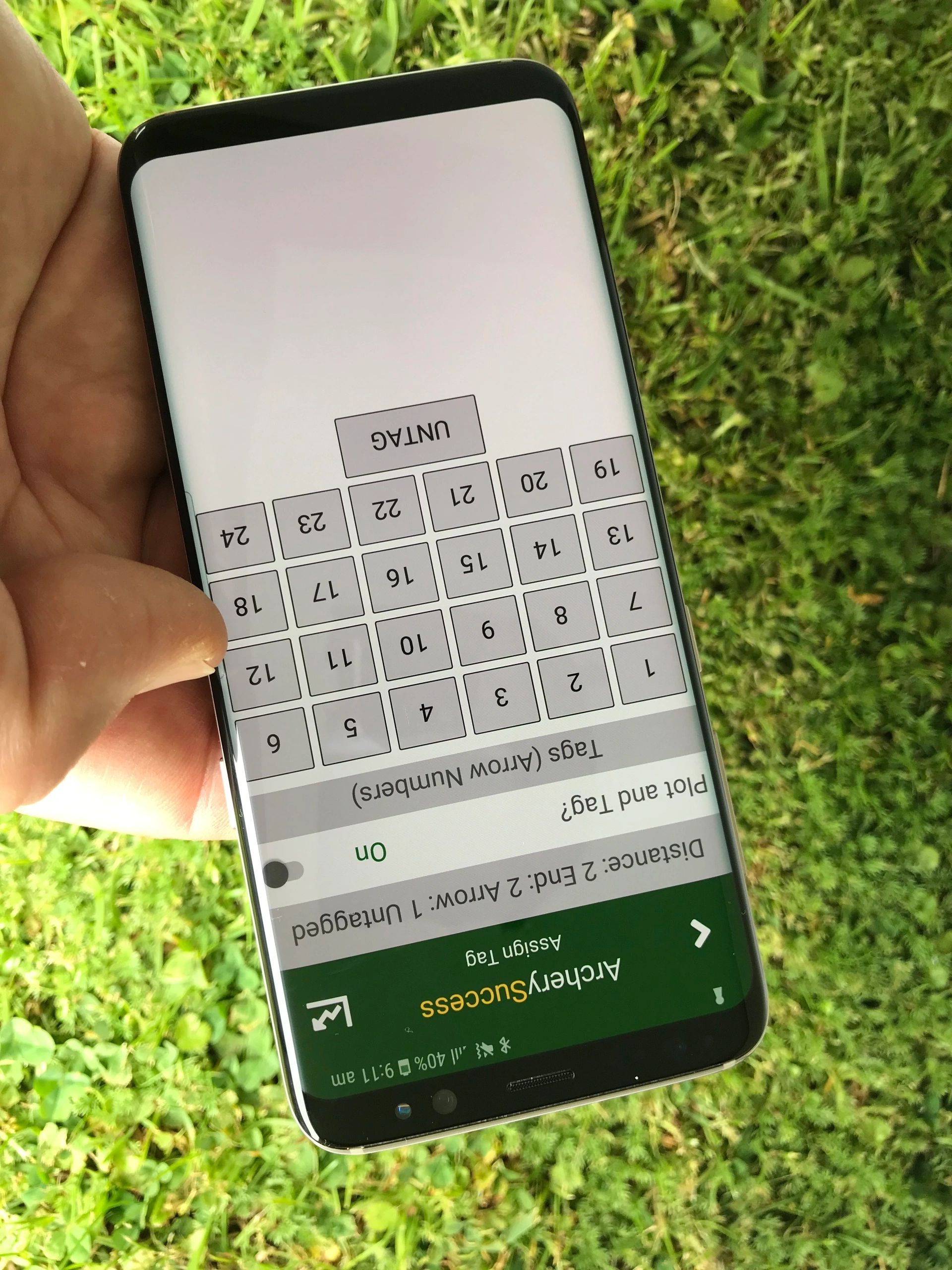
Arrow Tagging
- Available with arrow plots
- You can use the arrow tag feature for arrow culling
- Easily identify numbered arrows which don't group
- Tag some or all arrows
- Use automatic tagging when tagging all arrows in a round
- For Tagged arrows, analyse the arrow group for a chosen arrow
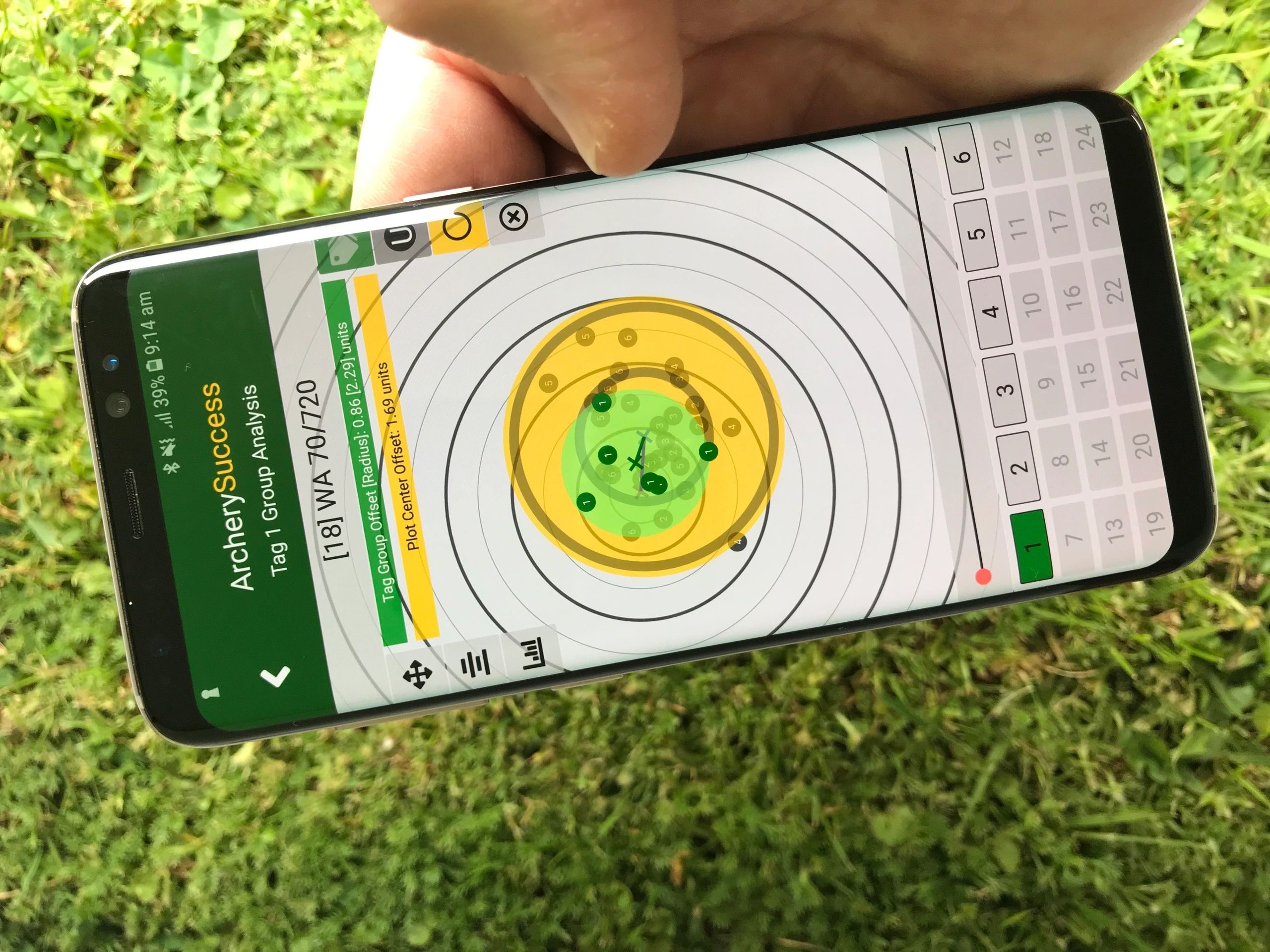
Arrow Plot and Tag Analysis
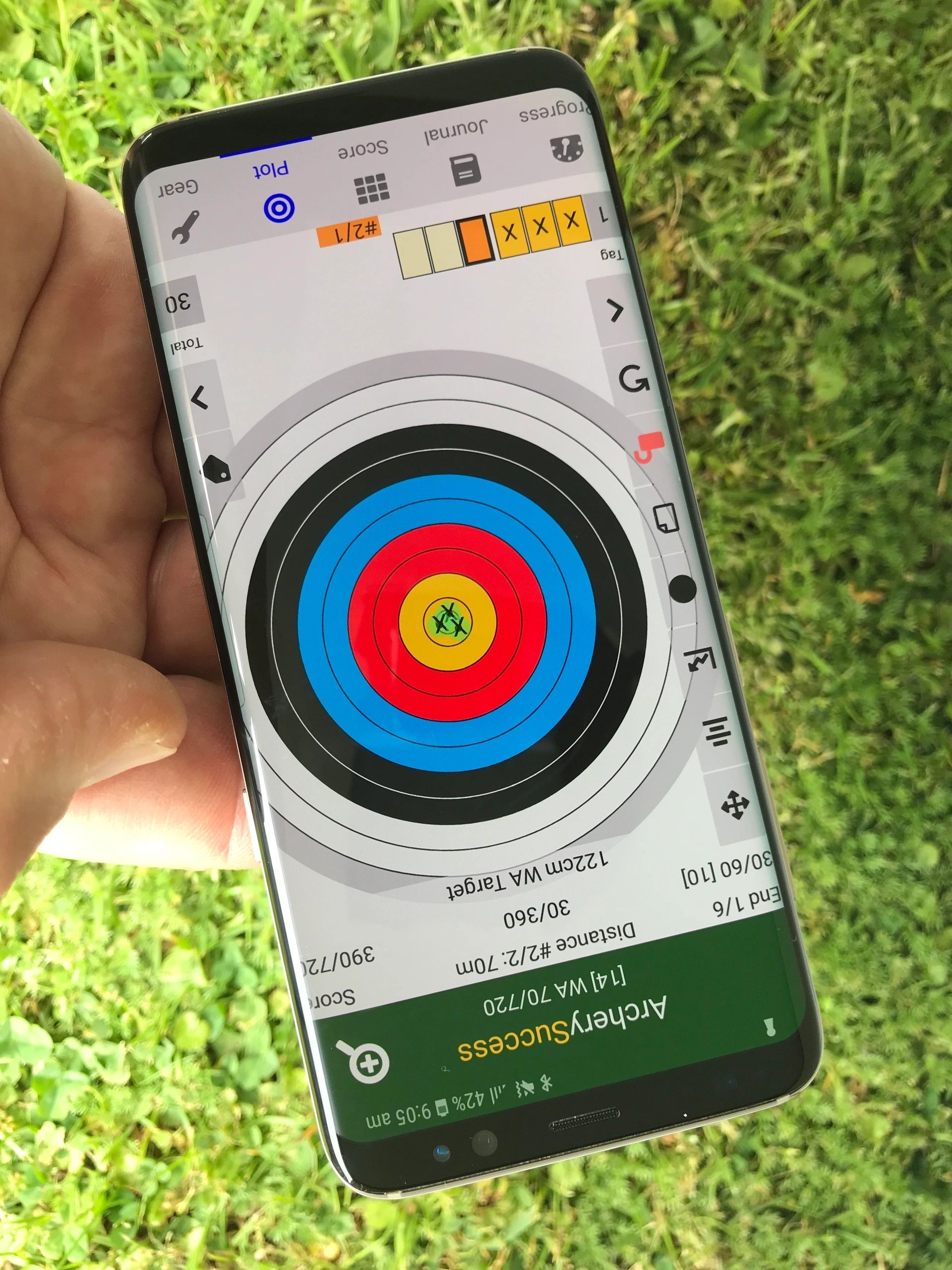
- On arrow plots and tag analysis, enable an arrow group indicator, which also shows the cluster direction
- For Tagged arrows, analyse the arrow group for a chosen arrow
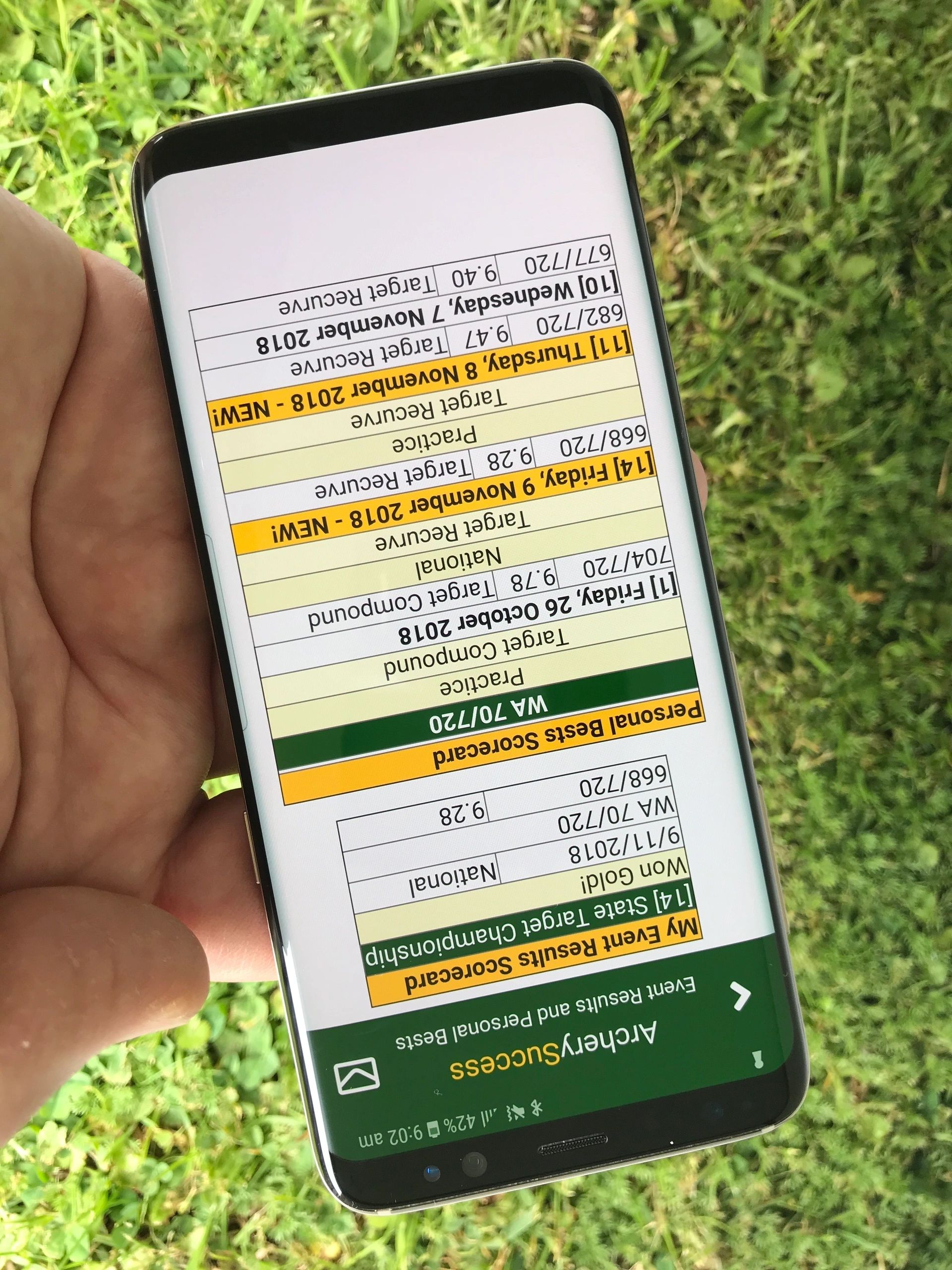
Personal Best Scorecard
- Personal Best scores are displayed and grouped by round name, competition level, and gear setup
- PBs shot are highlighted on the progress report
- Clicking a trophy icon on the progress tab displays the PB and My Event Results Scorecard
- Scorecards can be emailed
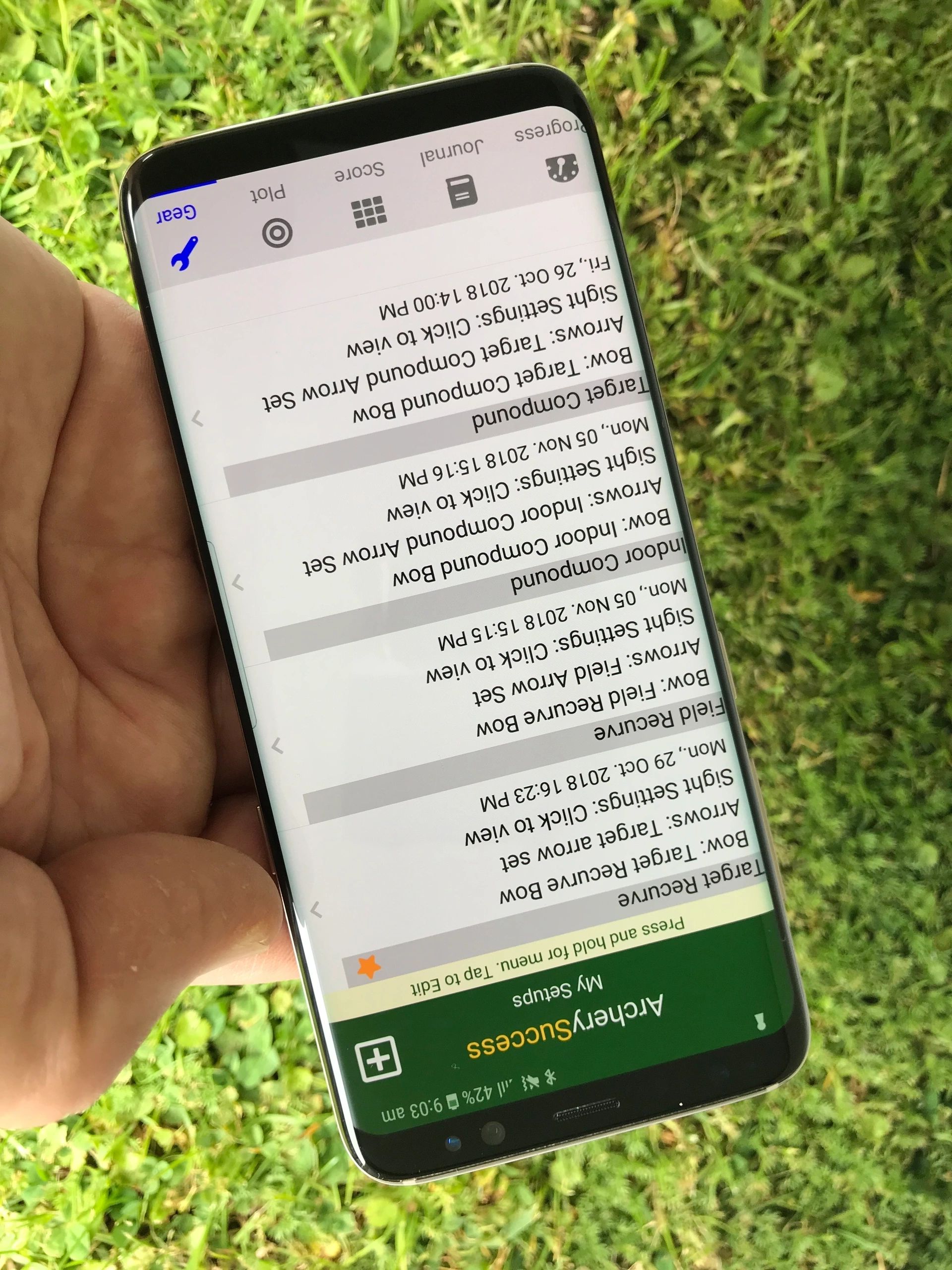
Gear Setups
- Create and track your gear setups
- A setup is a combination of bow, arrows and sight settings
- Chose a favourite setup
- Your favourite setup will always appear first on the gear list and be used by default for rounds
- Enter and track sight settings associated with each setup
- Personal Best scores and progress report graphs are displayed per gear setup
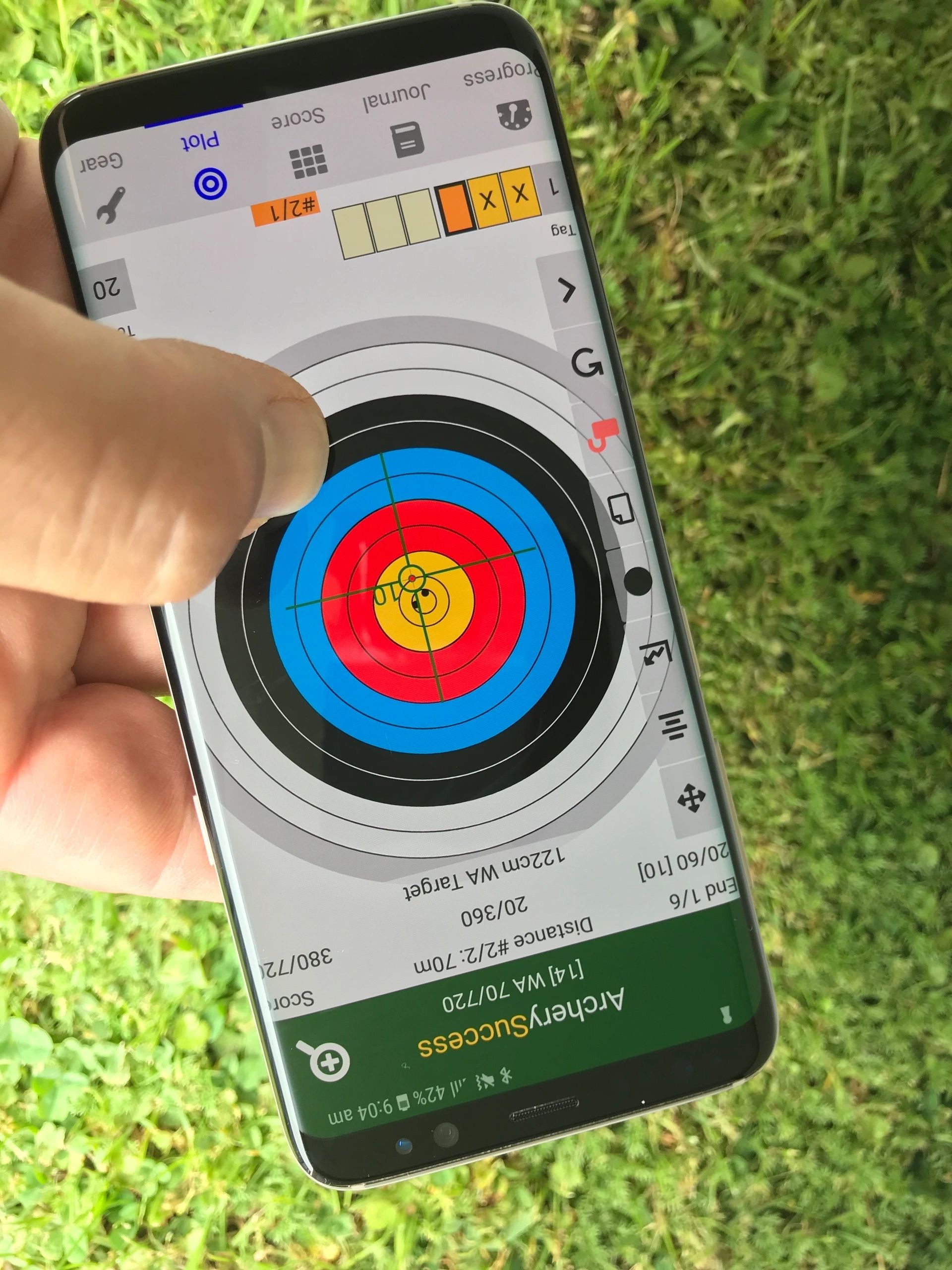
Precision Plotting
- Quick plotting: Simply tap the zoom-able target face to plot and score
- Precision plotting: Touch and hold, move cross hairs and lift finger to plot and score
- Quick navigation buttons: Centre, zoom out, or switch to a target number
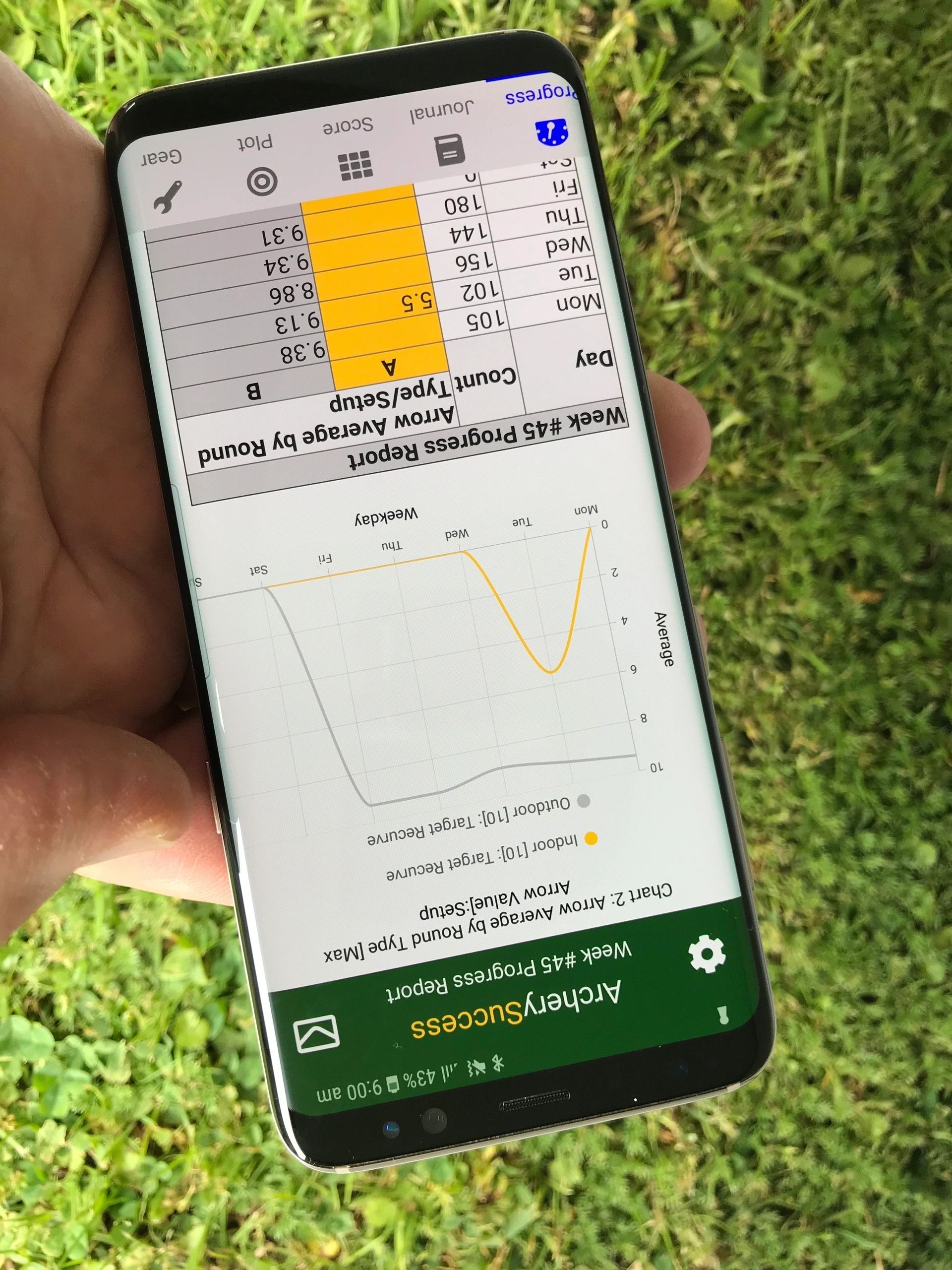
Track your progress
- You can track arrow count vs arrow count target
- Rounds shot for the week with scores
- Notes added to journal during the week
- Graphs for easy analysis
- Historical weekly reports
- Share formatted reports via email
- Personal Best scores are displayed on scorecard per gear setup
- PB rounds shot are highlighted on progress report
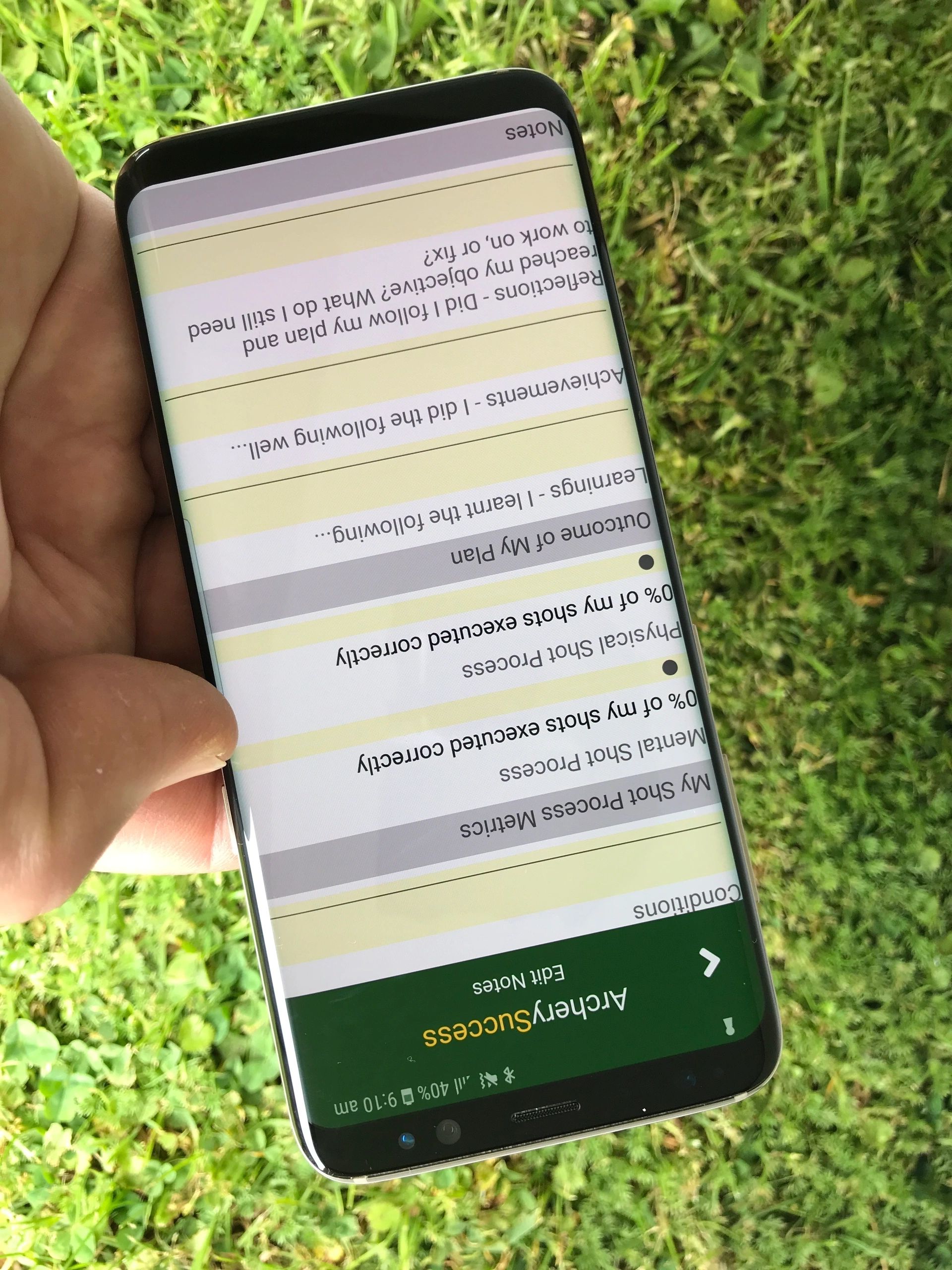
Add Notes
- Add your notes to the journal during the week
- Add notes to any round while scoring or plotting
- Add journal notes on gear, medical, nutrition, rest and recuperation, strength and conditioning, specific physical training, travel and weather
- Arrow count/blank bale notes
- Summary score notes
- Gear setup notes
- Bow notes
- Arrow set notes
- A note to sight settings
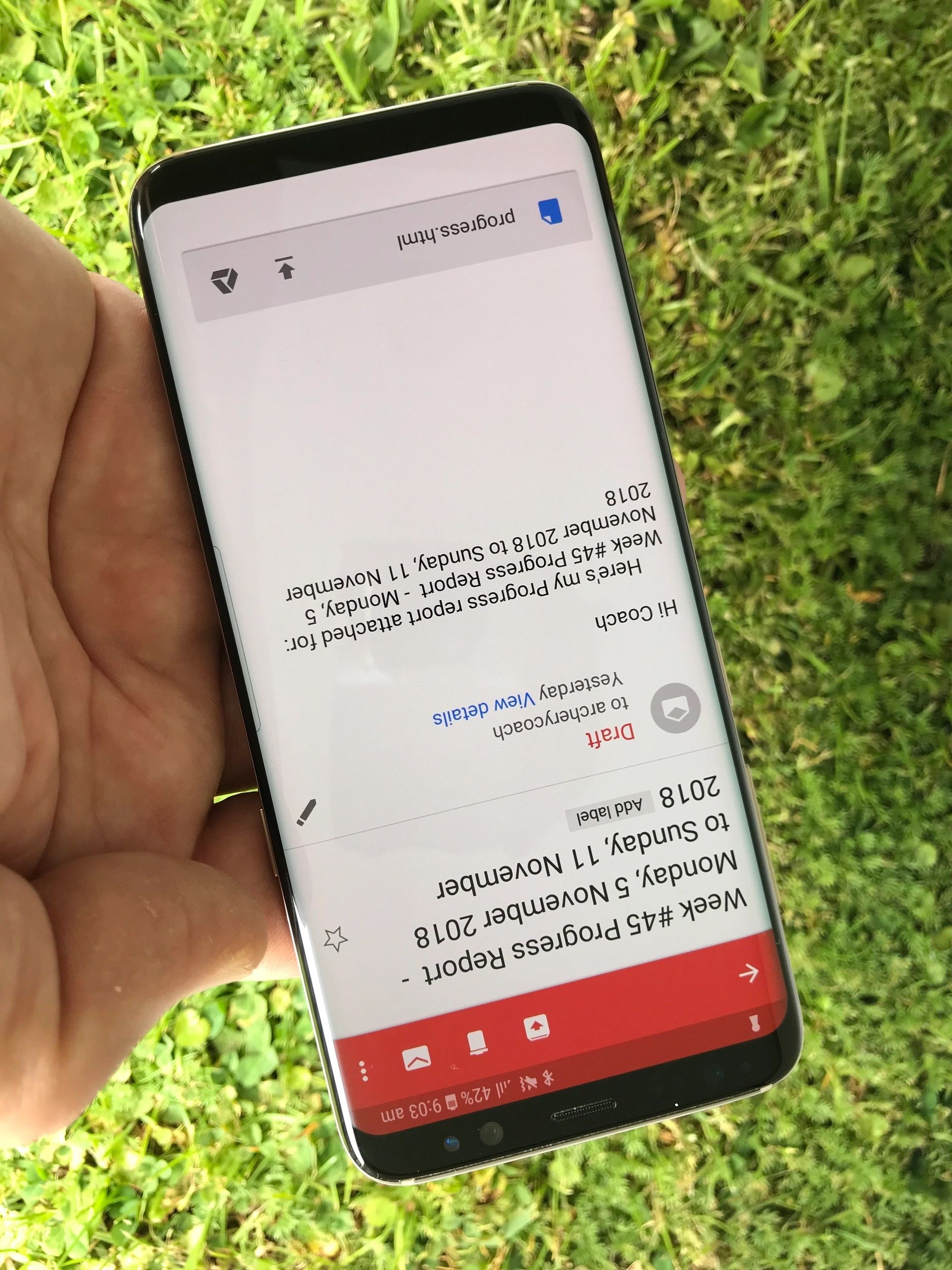
Coaches
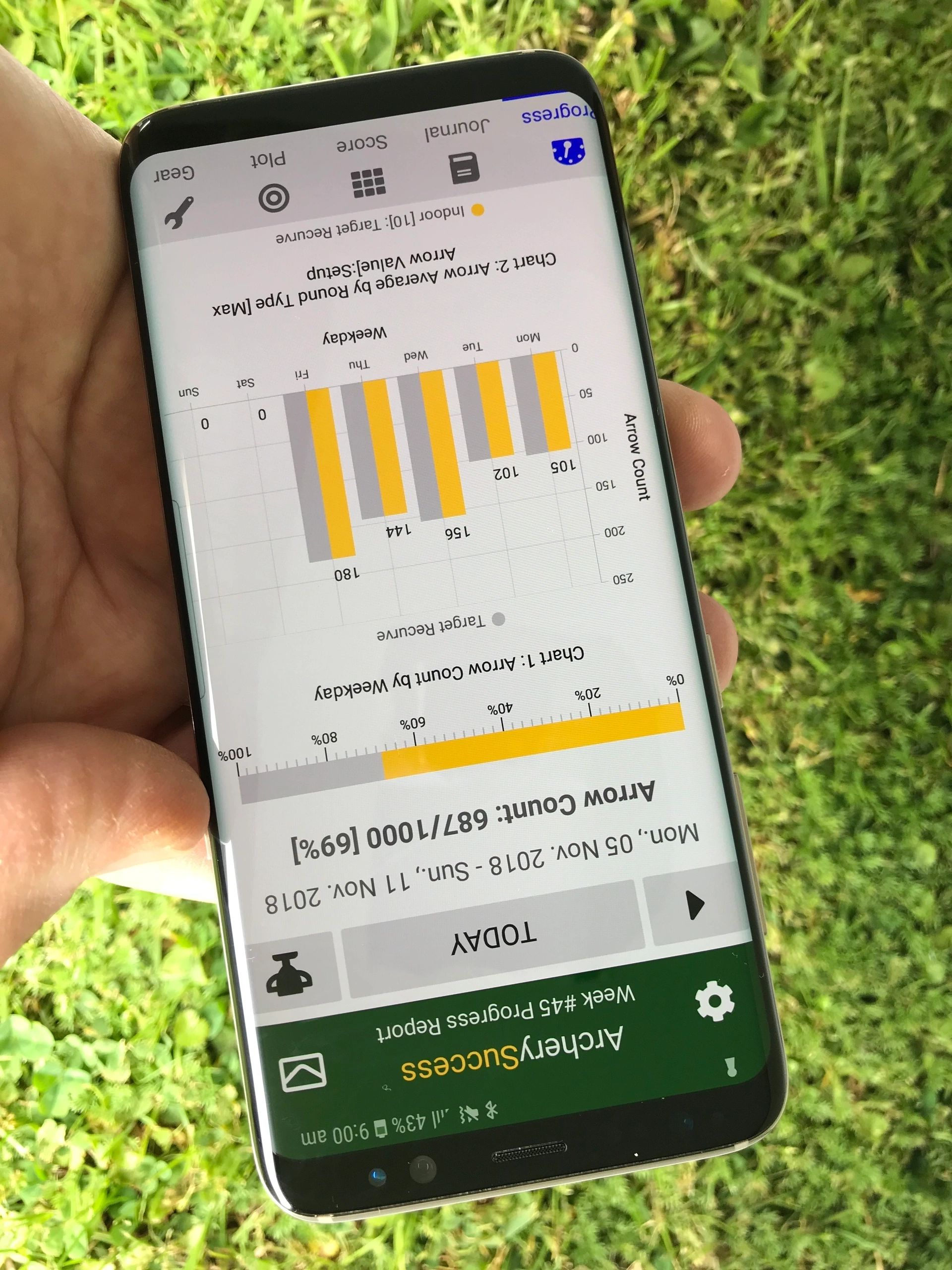
Graphs
- On progress tab
- A graph for arrow count by weekday
- A graph for arrow average by weekday
- Trend Graph, graphs skill level by arrow count for selected bow setup
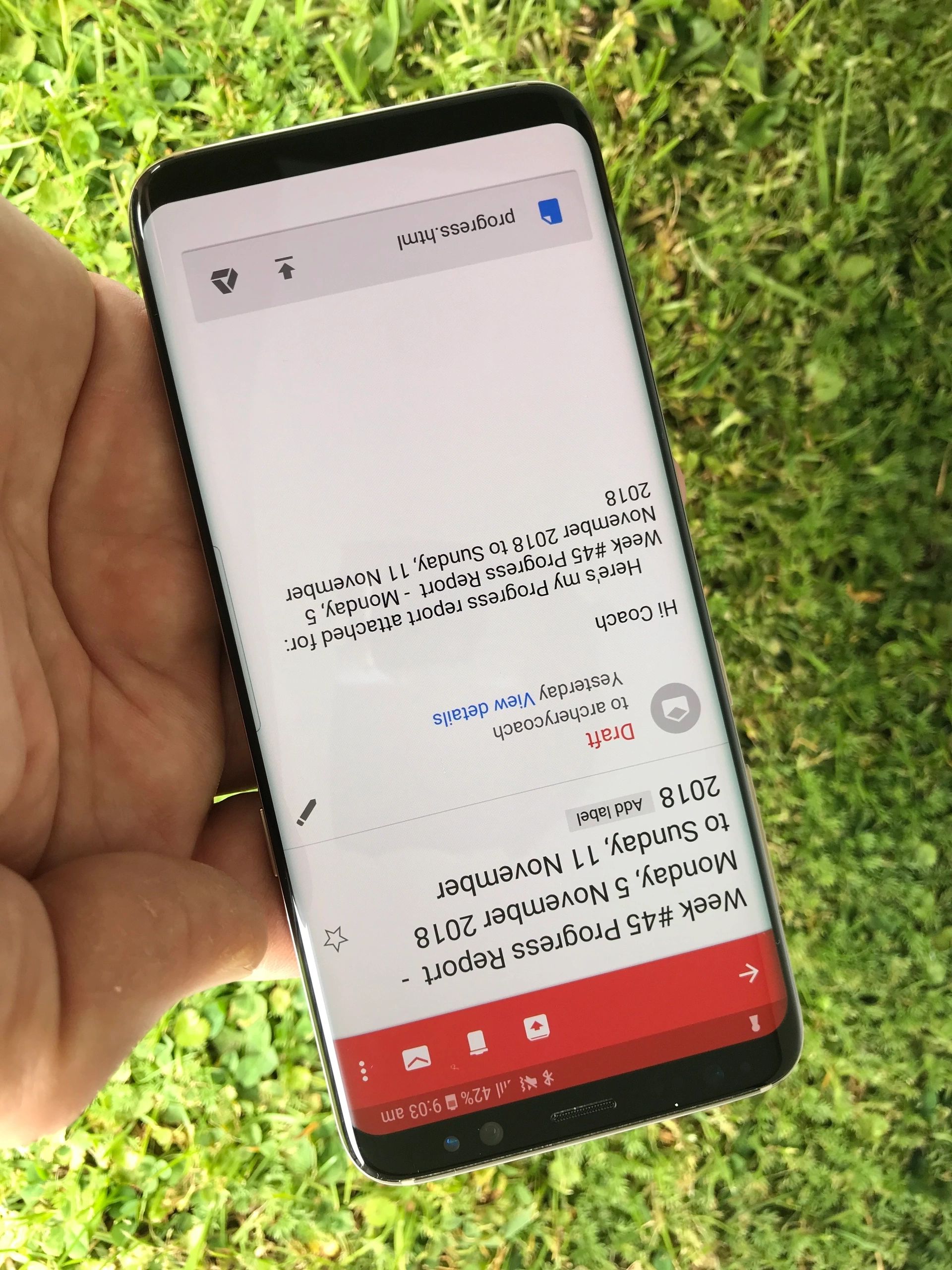
- Share formatted weekly progress reports via email
- Email scorecards and plots
- Clicking a trophy icon on the progress tab displays the PB and My Event Results Scorecard, which can be emailed
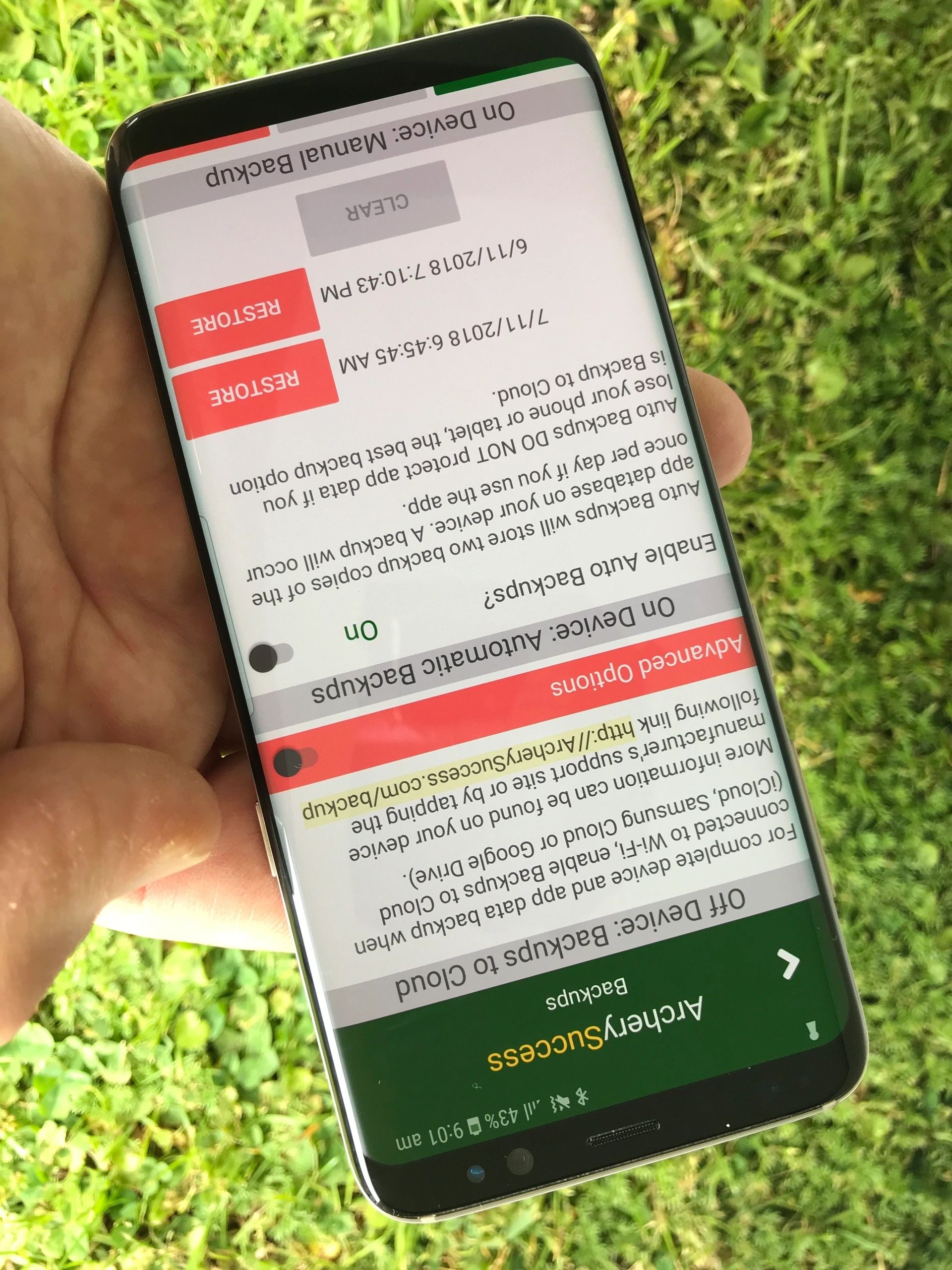
Data protection - Back Ups
- Setup your phone or tablet for backups to cloud
- Use advanced backup options for on device backups
- Round locking mechanism to prevent accidental changes to completed rounds
- Email weekly reports and scorecards for safe keeping
We welcome your questions (check our growing FAQ page), feedback, suggestions for improvements and new features. We normally respond within 48 hours. If you do not receive a confirmation email please check your spam folder.
This site is protected by reCAPTCHA and the Google Privacy Policy and Terms of Service apply.